AI-assisted Bravorizer
Bravo Studio is an innovative Figma plugin designed to seamlessly transform your static designs into dynamic, interactive prototypes. With its user-friendly interface, Bravo Studio allows designers to bring their visions to life, enabling real-time collaboration and feedback. This powerful tool not only enhances the prototyping process but also streamlines workflow, making it an essential asset for any design team. Experience the future of design with Bravo Studio, where creativity meets functionality, and watch your ideas evolve into engaging user experiences.
AI Project Details
Bravo Studio review: AI-assisted Figma-to-app workflow for designers
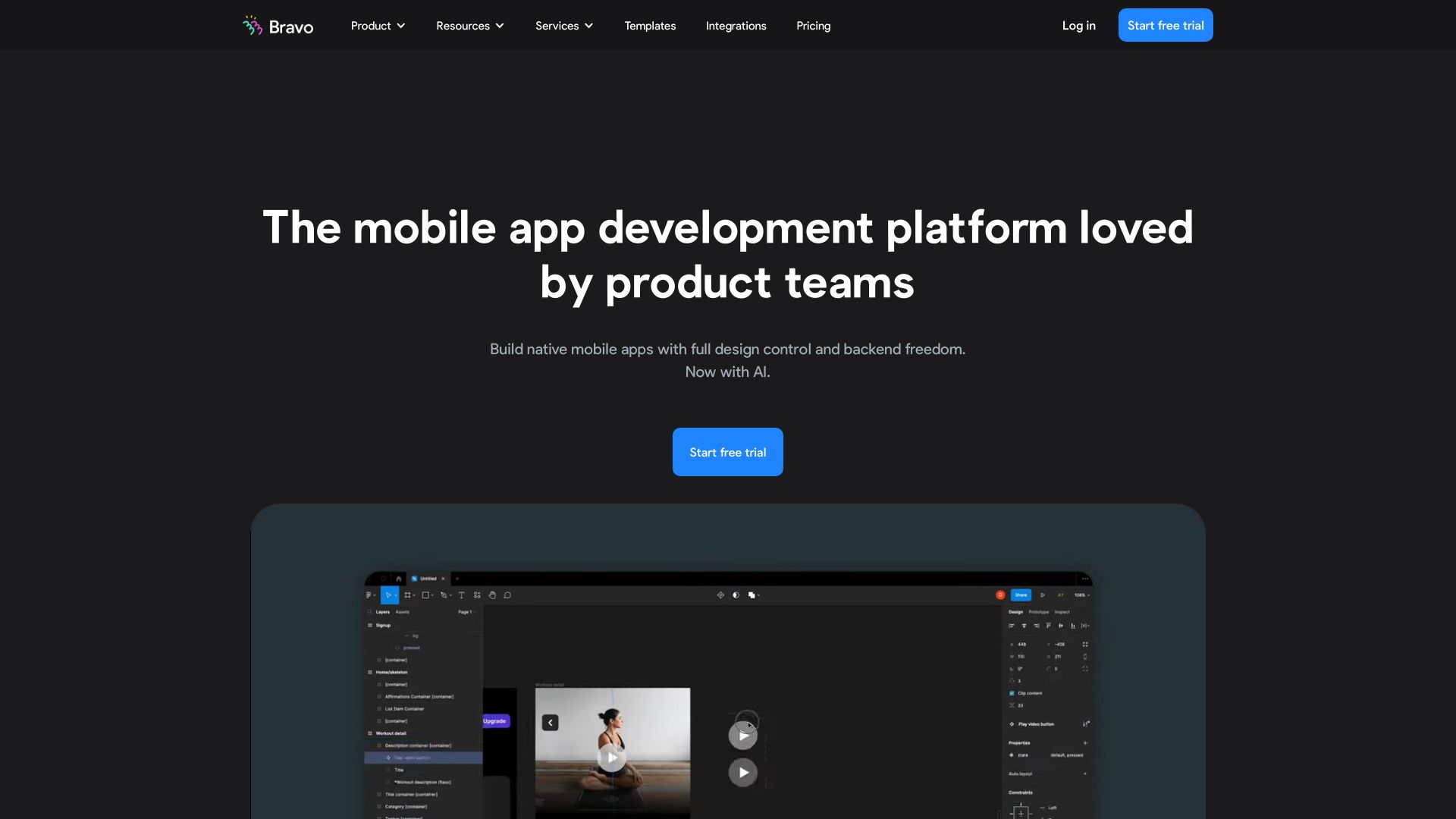
Bravo Studio is a no-code and low-code mobile app builder that turns Figma designs into native iOS and Android apps. Its current product positioning focuses on two workflows: building visually in Bravo Studio from a tagged Figma design, and Bravo-To-Go, where teams receive an AI-ready React Native foundation they can keep building with tools such as Claude, OpenAI, Cursor, or Gemini. Bravo also documents the Bravorizer Figma plugin, which helps apply Bravo tags, validate tag placement, and make a Figma file compatible with Bravo projects.
That makes this page more useful when framed as a design-to-mobile workflow, not as a generic AI app builder. Bravo is strongest for designers and founders who already think in Figma and want to test real mobile behavior with data, APIs, and device previews.
Best-fit use cases
| Use case | Bravo Studio fit | Notes | |---|---:|---| | Figma-to-native app prototypes | High | Strong when the design is already structured for Bravo tags. | | Design-led MVPs | High | Useful for founders validating mobile flows before hiring a full team. | | API-backed mobile apps | Medium to high | Works best when the backend and API contracts are clean. | | Highly custom native performance | Medium | Complex native logic may still need engineers. | | Teams without design discipline | Low | Messy Figma files create messy app builds. |
What teams should verify
Teams should test navigation, repeated data lists, API authentication, loading states, offline needs, push notifications, store submission requirements, and whether the Figma file can be maintained over time. The Bravorizer plugin can speed setup, but it does not remove the need to understand Bravo tags and app structure.
For AI-assisted work, the practical benefit is acceleration: use AI to generate backend pieces or web components, then use Bravo to connect those pieces to a native mobile shell. It is not a magic conversion path from any design to a production-grade app.
Strengths
- Strong fit for designers who want mobile apps to stay close to their Figma files.
- Bravorizer plugin helps apply tags and catch compatibility issues before import.
- Supports API-connected apps, device preview, and native publishing workflows.
- Bravo-To-Go gives teams a code-owned path when they outgrow pure no-code.
Limitations
- Requires clean Figma structure and Bravo-specific tagging.
- Complex native features, edge cases, or performance work may need developers.
- AI-generated components and backends still need testing, security review, and maintenance.
- Not ideal for teams that want a database-first app builder with minimal design work.
Bottom line
Bravo Studio should be indexed as an AI-assisted Figma-to-native-app workflow. It is best for design-led teams that want to move from high-fidelity Figma screens to real mobile app behavior while keeping API and code paths open.
Sources reviewed: Bravo Studio homepage, Bravo plugin documentation, Bravo Figma plugin article.
FAQ
What is Bravo Studio best for?
Bravo Studio is best for designers and founders who want to turn structured Figma designs into native iOS and Android apps connected to APIs.
What does the Bravorizer plugin do?
The Bravorizer plugin helps apply Bravo tags, validate tag placement, and prepare Figma screens so they can be imported into Bravo Studio more reliably.
Can Bravo Studio replace mobile developers?
It can reduce development work for prototypes and simpler production apps, but complex native features, security, performance, and long-term maintenance may still require engineers.