Auto Localize
AI-Powered Editor for Automatic Localization In today's globalized world, effective communication across languages is essential. An AI-powered editor for automatic localization streamlines the process of adapting content for different markets. This innovative tool leverages advanced algorithms to ensure that your message resonates with diverse audiences while maintaining its original intent. Key Features of the AI-Powered Editor: 1. **Seamless Integration**: Easily incorporate the editor into your existing workflow, enhancing productivity without disrupting your processes. 2. **Contextual Understanding**: The AI analyzes context to provide accurate translations that reflect cultural nuances, ensuring your content is relevant and engaging. 3. **Real-Time Editing**: Make adjustments on the fly, allowing for quick iterations and immediate feedback, which is crucial in fast-paced environments. 4. **User-Friendly Interface**: Designed with simplicity in mind, the editor is accessible to users of all skill levels, making localization a breeze. Benefits of Using an AI-Powered Editor: - **Increased Efficiency**: Automate repetitive tasks, freeing up time for creative and strategic initiatives. - **Cost-Effective Solutions**: Reduce the need for extensive human resources by utilizing AI technology for localization. - **Enhanced Accuracy**: Minimize errors and inconsistencies in translations, leading to higher quality content. - **Broader Reach**: Expand your audience by effectively localizing content for various languages and cultures. In conclusion, an AI-powered editor for automatic localization not only simplifies the translation process but also enhances the overall quality of your content. By embracing this technology, businesses can ensure their messages are effectively communicated across borders, ultimately driving engagement and growth.
AI Project Details
Auto Localize review: AI localization for app teams, not generic translation
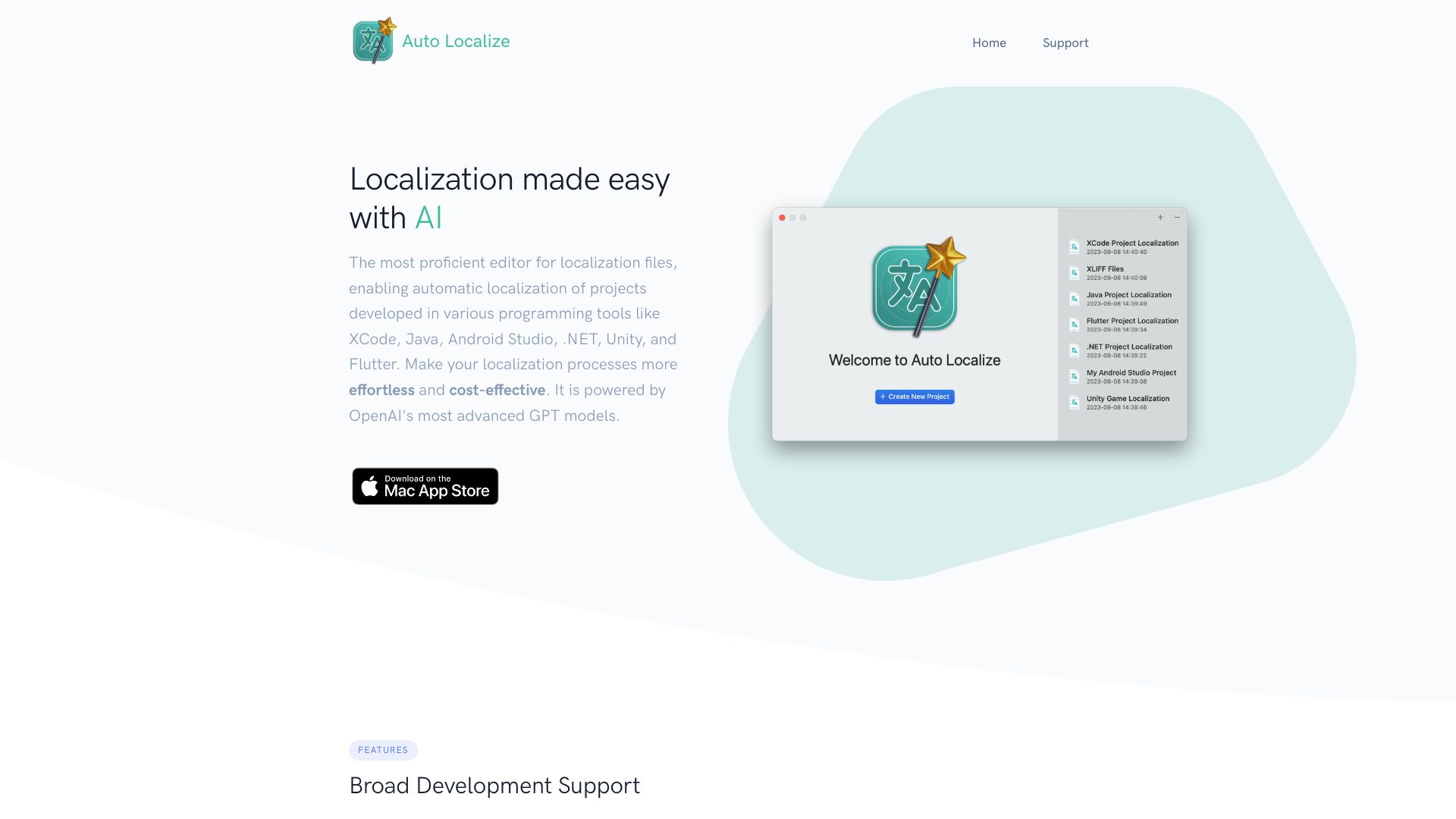
Auto Localize is an AI-assisted localization tool built around software release workflows. Its official site focuses on Xcode project localization, App Store Connect metadata, screenshot localization, and support beyond Apple projects, including Java, Android Studio, Flutter, .NET, and Unity. The product also lets teams connect their own OpenAI or Google Gemini API keys, or use local LLM apps such as LM Studio and Ollama when privacy or offline work matters.
That positioning is important. Auto Localize is not just a text box for translating strings. It is aimed at developers and app marketers who need to keep product strings, store listings, and localized screenshots moving together without manually copying content across files and dashboards.
Best-fit use cases
| Use case | Auto Localize fit | Notes | |---|---:|---| | Xcode string catalog localization | High | Strong fit for iOS and macOS teams managing release strings. | | App Store metadata updates | High | Useful when store listing text changes often across markets. | | Screenshot localization | Medium to high | Valuable for apps where store screenshots affect conversion. | | Cross-platform app localization | Medium | Supports several project types, but teams should test file handling carefully. | | Legal, medical, or regulated translation | Low to medium | Use professional review before publishing. |
What teams should prepare
Localization quality depends on context. Before using Auto Localize, teams should prepare a glossary, product feature names, brand terms, prohibited translations, regional tone notes, and examples of approved copy. For App Store work, screenshots should be checked in-device because translated text can expand, overflow, or weaken the original value proposition.
The most practical workflow is human-in-the-loop: use Auto Localize to create a first pass, then ask native reviewers or regional owners to approve high-visibility strings, onboarding text, pricing copy, and screenshots.
Strengths
- Clear focus on developer and app-store localization rather than generic translation.
- Useful combination of Xcode project strings, App Store Connect content, and screenshot localization.
- Supports both cloud AI models and local LLM workflows for teams with privacy constraints.
- Broader compatibility helps teams working across Apple, Android, Flutter, .NET, Java, or Unity projects.
Limitations
- AI translation can miss idioms, regulatory nuance, cultural tone, or product-specific terminology.
- Store screenshots still need visual QA after localization.
- Teams should not ship sensitive or legal copy without native-speaker review.
- Bring-your-own-key workflows require careful API key handling, billing controls, and access rules.
Bottom line
Auto Localize should be indexed as an AI localization workflow tool for app developers. It is most useful when localization touches code files, app-store metadata, and screenshots at the same time. It should not replace regional review, but it can reduce the repetitive translation and file-management work around app releases.
Sources reviewed: Auto Localize homepage, Auto Localize feature section, Auto Localize App Store listing.
FAQ
What is Auto Localize best for?
Auto Localize is best for app teams that need to localize Xcode strings, App Store metadata, screenshots, and cross-platform project files faster than a fully manual workflow.
Can Auto Localize replace human translators?
No. It can create useful first drafts, but user-facing store copy, legal text, onboarding, pricing, and brand-sensitive strings should be reviewed by native speakers.
Does Auto Localize require a cloud AI provider?
Not always. The official site says teams can connect OpenAI or Google Gemini keys, or use local LLM apps such as LM Studio and Ollama for more private workflows.