BeautyPlus - AI Photo Editor
AI-Powered Beauty Camera & Photo Editing App In today's digital age, capturing the perfect moment is just a click away. Our AI-powered beauty camera and photo editing app revolutionizes the way you take and enhance your photos. With advanced algorithms, this app not only beautifies your selfies but also offers a range of editing tools to make your images stand out. Key Features: - Intelligent Beauty Filters: Instantly enhance your features with our smart beauty filters that adapt to your unique look. - Advanced Editing Tools: From cropping to color correction, our app provides all the essential tools to perfect your photos. - User-Friendly Interface: Designed for everyone, our app is easy to navigate, making photo editing a breeze. - Share with Ease: Quickly share your stunning photos on social media platforms directly from the app. Whether you're a professional photographer or just someone who loves taking pictures, our AI-powered beauty camera and photo editing app is your go-to solution for creating beautiful images effortlessly. Download now and transform your photography experience!
AI Project Details
BeautyPlus review: AI photo editor for selfies, filters, object removal, background tools, and creative assets
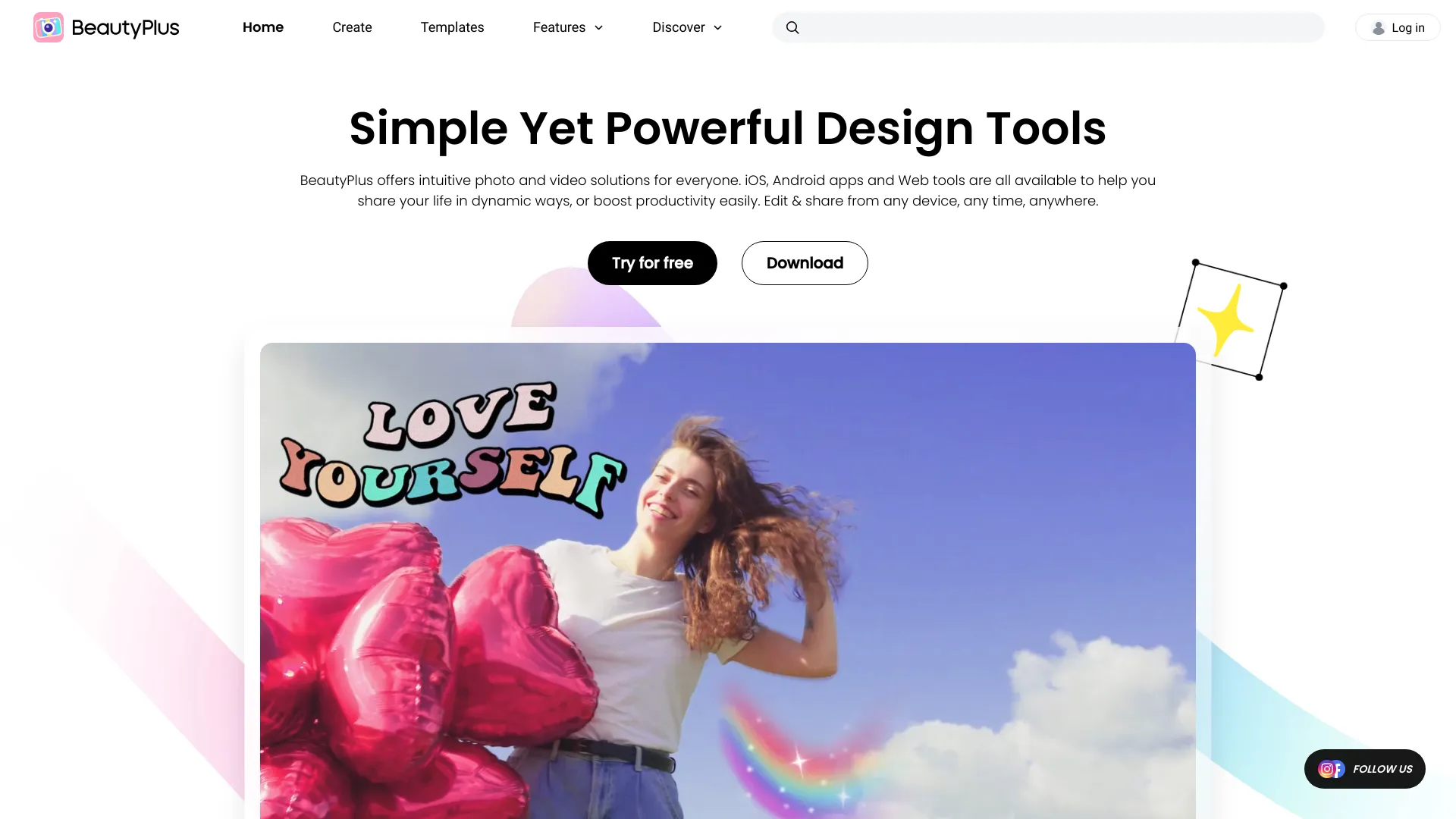
BeautyPlus is a mature AI photo editor and image editing app from Pixocial. The official site highlights mobile and browser-based editing, AI filters, photo-to-cartoon and anime conversion, image enhancement, background removal, object removal, bulk upscaling, face editing, makeup tools, body editing, templates, stickers, text, blur, mosaic, and video-related tools.
For TakeAI, BeautyPlus should be positioned as a consumer and creator photo-editing platform rather than a narrow background generator. Its value is breadth: it combines selfie retouching, creative filters, practical cleanup tools, and social-media-ready assets in one ecosystem.
Best-fit use cases
| Use case | BeautyPlus fit | Notes | |---|---:|---| | Selfie and portrait editing | High | Strong fit for face editing, makeup, skin smoothing, and style filters. | | Social media visuals | High | Templates, stickers, filters, and text tools are designed for quick publishing. | | Background and object cleanup | Medium to high | Useful for simple edits and creator workflows. | | Professional product retouching | Medium | Dedicated product-photo tools may offer stricter controls. | | Sensitive body-image workflows | Medium | Users should be mindful of unrealistic edits and disclosure norms. |
What users should test
Users should compare mobile and web features, export quality, watermark behavior, paid-plan limits, privacy policy, face and body-editing ethics, batch upscaling quality, object-removal artifacts, background cutout quality, and whether generated styles preserve identity in a way that matches the user's goal.
BeautyPlus is strongest for fast creator output. It may not replace Photoshop, Lightroom, or brand production workflows, but it can cover a large share of everyday social, selfie, and light design needs.
Strengths
- Broad set of AI and classic photo-editing tools in one product family.
- Strong mobile creator orientation with web tools for quick edits.
- Useful for portraits, filters, object removal, background work, and social assets.
Limitations
- Professional workflows may need more precise manual control.
- Face and body edits can create unrealistic or sensitive outputs.
- Paid features, exports, and app/web differences should be checked.
Bottom line
BeautyPlus should be indexed as a full AI photo editor, not just a background tool. The best evaluation is to test one portrait, one social graphic, and one cleanup task across mobile and web, then compare speed, quality, and export constraints.
Sources reviewed: BeautyPlus homepage, BeautyPlus pricing.
FAQ
What is BeautyPlus best for?
BeautyPlus is best for AI photo editing, selfie retouching, filters, object removal, background removal, image enhancement, templates, and social media visuals.
Is BeautyPlus only a selfie editor?
No. BeautyPlus is known for selfie editing, but it also includes background tools, object removal, filters, templates, image enhancement, and video-related tools.
What should users check before paying?
Check export quality, watermark rules, paid features, mobile versus web differences, privacy terms, object-removal quality, background cutouts, and batch limits.