BgSub
BgSub: Effortless Background Removal with AI Technology Are you tired of spending hours editing images to remove backgrounds? Look no further! BgSub is here to revolutionize your image editing experience. Our website utilizes advanced AI technology to automatically remove or replace image backgrounds, saving you time and effort. Why Choose BgSub? 1. **Automatic Background Removal**: Our AI-driven tool quickly identifies and removes backgrounds from your images, allowing you to focus on what matters most. 2. **User-Friendly Interface**: With a simple and intuitive design, BgSub makes it easy for anyone to edit images, regardless of their technical skills. 3. **High-Quality Results**: Enjoy professional-grade background removal that enhances the overall quality of your images, making them perfect for any project. 4. **Versatile Options**: Whether you need a transparent background or a new one, BgSub offers various options to suit your needs. 5. **Fast Processing**: Get your images edited in seconds, not minutes, with our efficient AI technology. Experience the future of image editing with BgSub. Try it today and see how easy background removal can be!
AI Project Details
BgSub review: privacy-focused AI background removal and replacement
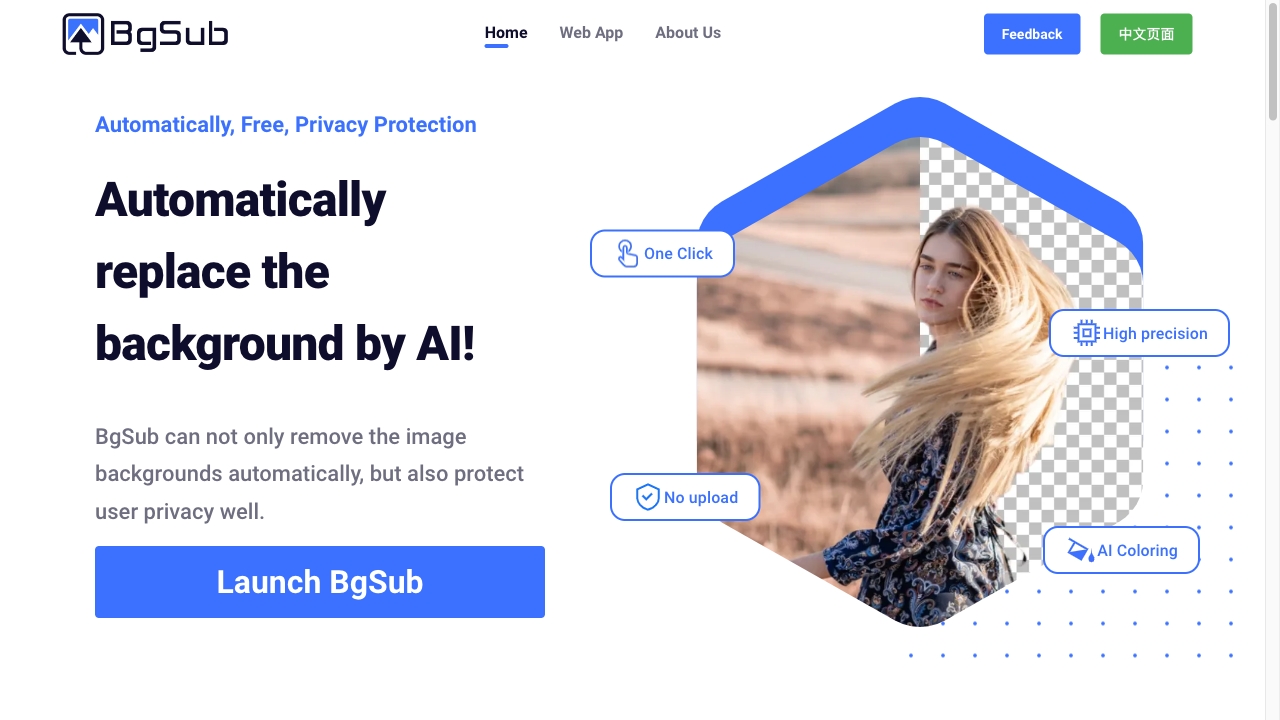
BgSub is an AI background removal and replacement tool for images. The current homepage positions it around automatic background replacement, free access, and privacy protection. It says BgSub can remove image backgrounds automatically while protecting user privacy, with one-click operation, no upload, high precision, and AI coloring. Feature sections describe removing backgrounds, replacing backgrounds with color, gradient, or image backgrounds, automatic color adjustment, free adjustment of size, position, and mirroring, and artistic effects. Use cases include personal photos, web and app development, photography, e-commerce product images, media images for tweets or blogs, and marketing ads.
The strongest fit is a user who needs quick browser-based background changes and does not want to send images to a remote server. It is especially practical for product photos, profile images, thumbnails, and simple campaign assets. It is less suitable for complex masking, professional compositing, or batch production pipelines unless API or batch options are confirmed.
Best-fit use cases
| Use case | Fit | Notes | |---|---:|---| | Product background removal | High | E-commerce is a named use case. | | Personal and social images | High | Useful for profiles and social visuals. | | Blog and marketing graphics | Medium to high | Homepage names media and marketing use cases. | | Privacy-sensitive quick edits | Medium to high | No-upload positioning is a differentiator. | | Large batch workflows | Medium | API or batch processing needs confirmation. |
Core workflow
A practical workflow starts with a clean subject image, removes the background, checks edges around hair, hands, transparent objects, or product shadows, replaces the background if needed, adjusts size and position, applies color correction, and exports after checking the final image at the target size.
What users should verify
Users should verify browser compatibility, maximum resolution, file formats, no-upload behavior, privacy claims, commercial use, API or batch availability, output quality on detailed edges, color adjustment behavior, background replacement options, transparency export, and whether images are retained anywhere during processing.
Strengths
- Simple focus on background removal and replacement.
- No-upload and privacy-protection positioning is useful for sensitive images.
- Includes replacement backgrounds, AI coloring, manual adjustment, and artistic effects.
- Practical use cases cover e-commerce, personal, marketing, media, and developer images.
Limitations
- Public pricing and API details are limited on the reviewed page.
- Complex edges and transparent products may need manual cleanup.
- Batch workflows should be tested before production use.
- Commercial use and maximum resolution should be confirmed for current terms.
Bottom line
BgSub is best for quick privacy-oriented background removal and replacement in the browser. It is a good lightweight tool for simple image edits, but production product photography still needs edge checks and rights review.
Sources reviewed: BgSub homepage, BgSub web app.
FAQ
What is BgSub best for?
BgSub is best for quickly removing or replacing image backgrounds for product photos, social images, web assets, marketing visuals, and blog media.
Does BgSub upload images?
The homepage emphasizes no-upload privacy protection, but users should verify current processing behavior and privacy terms before editing sensitive images.
What should users check before using BgSub commercially?
Users should check commercial use, maximum resolution, output formats, edge quality, transparency export, privacy behavior, API or batch processing, and whether the final image needs manual cleanup.