Chatbase
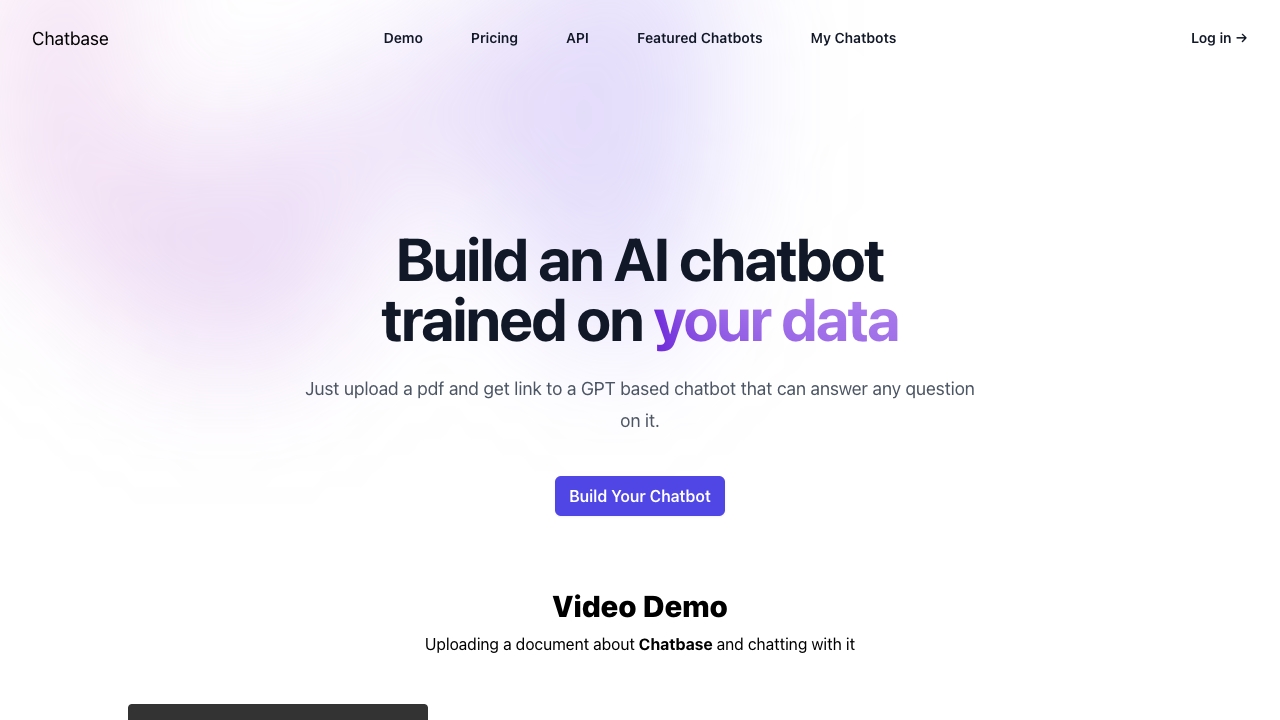
Chatbase: The Ultimate AI Chatbot Builder for Your Website Are you looking to enhance user engagement on your website? Chatbase is an innovative AI chatbot builder that leverages your data to create a customized chatbot tailored to your specific needs. Why Choose Chatbase? 1. **Data-Driven Solutions**: Chatbase utilizes your existing data to develop a chatbot that understands your audience and responds effectively to their inquiries. 2. **User-Friendly Interface**: With an intuitive design, building your chatbot is a breeze, allowing you to focus on what matters most—your business. 3. **24/7 Customer Support**: Ensure your visitors receive assistance anytime with a chatbot that operates around the clock, improving customer satisfaction and retention. 4. **Seamless Integration**: Easily integrate Chatbase with your website, ensuring a smooth user experience without any technical hassles. 5. **Analytics and Insights**: Gain valuable insights into user interactions and preferences, helping you refine your services and improve overall engagement. Transform your website's user experience with Chatbase, the AI chatbot builder that puts your data to work. Start building your chatbot today and watch your engagement soar!
AI Project Details
Chatbase review: AI support agents trained on your business data
Chatbase is an AI agent platform for customer support, lead capture, and website assistance. The core idea is simple: train an agent on your own sources, deploy it to customer-facing channels, and connect actions or helpdesk workflows when the conversation needs more than a static answer.
Official Chatbase documentation lists sources such as files, websites, sitemaps, custom Q&A, and Notion. Its actions documentation covers Slack, Stripe, Calendly, web search, lead collection, and custom API actions. Newer Chatbase material also emphasizes helpdesk workflows, ticket management, Zendesk handoff, topics analytics, sentiment, and exports.
Best-fit use cases
| Use case | Chatbase fit | Notes | |---|---:|---| | Website support chatbot | High | Strong fit when the knowledge base is clean and current. | | Lead qualification | High | Can collect visitor information and route qualified conversations. | | Helpdesk triage | High | Useful with Zendesk or ticket workflows for issues that need humans. | | Internal knowledge assistant | Medium | Works if sources are maintained and access rules are clear. | | High-risk account actions | Medium | Use custom actions carefully with confirmations and fallback rules. |
What to prepare before using Chatbase
The quality of a Chatbase agent depends heavily on the quality of its sources. Uploading a messy help center will produce messy answers. Before rollout, teams should clean outdated docs, add missing FAQs, define escalation rules, and test real customer questions. Historical tickets can also improve the agent because they show how customers describe problems in practice, not just how the company documents them.
Strengths
- Good source options for support teams: files, websites, sitemaps, Notion, and Q&A.
- Action system lets agents do more than answer, including API calls and notifications.
- Helpdesk and Zendesk workflows make human handoff more realistic for production support.
- Analytics can show recurring topics, sentiment, and gaps in the knowledge base.
Limitations
- Accuracy depends on source quality and maintenance.
- Sensitive actions need strict limits, logs, and human review.
- A chatbot should not be the only path to support for billing, refunds, legal, medical, or safety-sensitive issues.
- Teams still need a weekly review loop for failed answers and low-confidence conversations.
TakeAI verdict
Chatbase is a strong option for teams that want a practical support agent without building chat infrastructure from scratch. It is strongest when paired with a clean knowledge base, clear escalation rules, and helpdesk handoff. Treat it as a support operations system, not just a widget: the setup, source hygiene, analytics review, and fallback paths decide whether customers trust it.
Sources reviewed: Chatbase AI Agent Playbook, Chatbase Actions overview, Chatbase Help Desk overview, Chatbase Sources docs.
FAQ
What can Chatbase be trained on?
Chatbase supports business sources such as files, websites, sitemaps, custom Q&A, and Notion, depending on the setup and plan.
Is Chatbase only a chatbot widget?
No. Chatbase also supports actions, integrations, analytics, and helpdesk workflows, so it can operate as part of a support process.
How do teams keep Chatbase accurate?
Maintain the source documents, review failed answers, add missing Q&A pairs, and define clear rules for when the AI should hand off to a person.