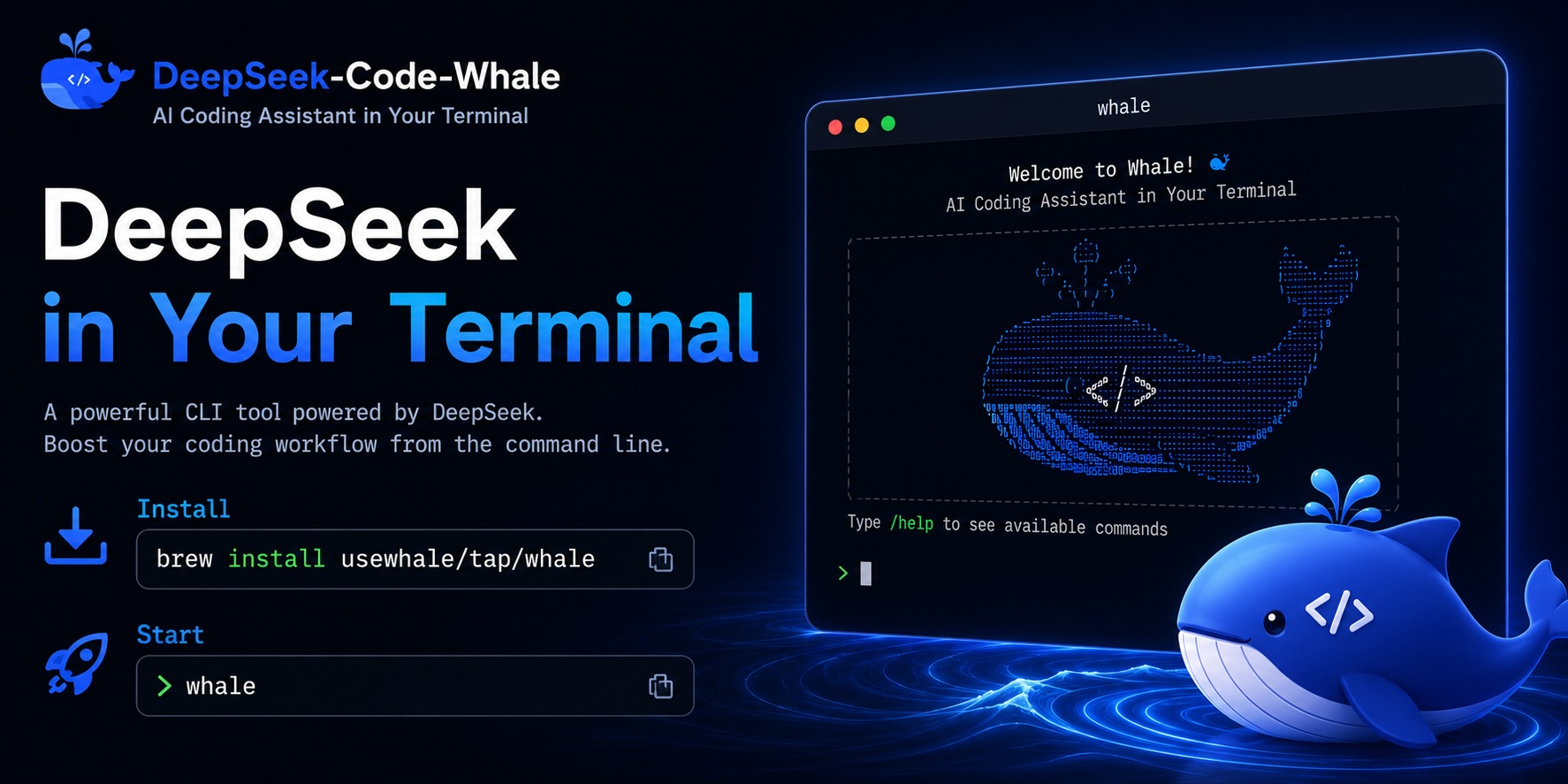
DeepSeek Code Whale
Terminal-first coding agent for DeepSeek workflows, with MCP tools, long context handling, and project memory for complex repository work.
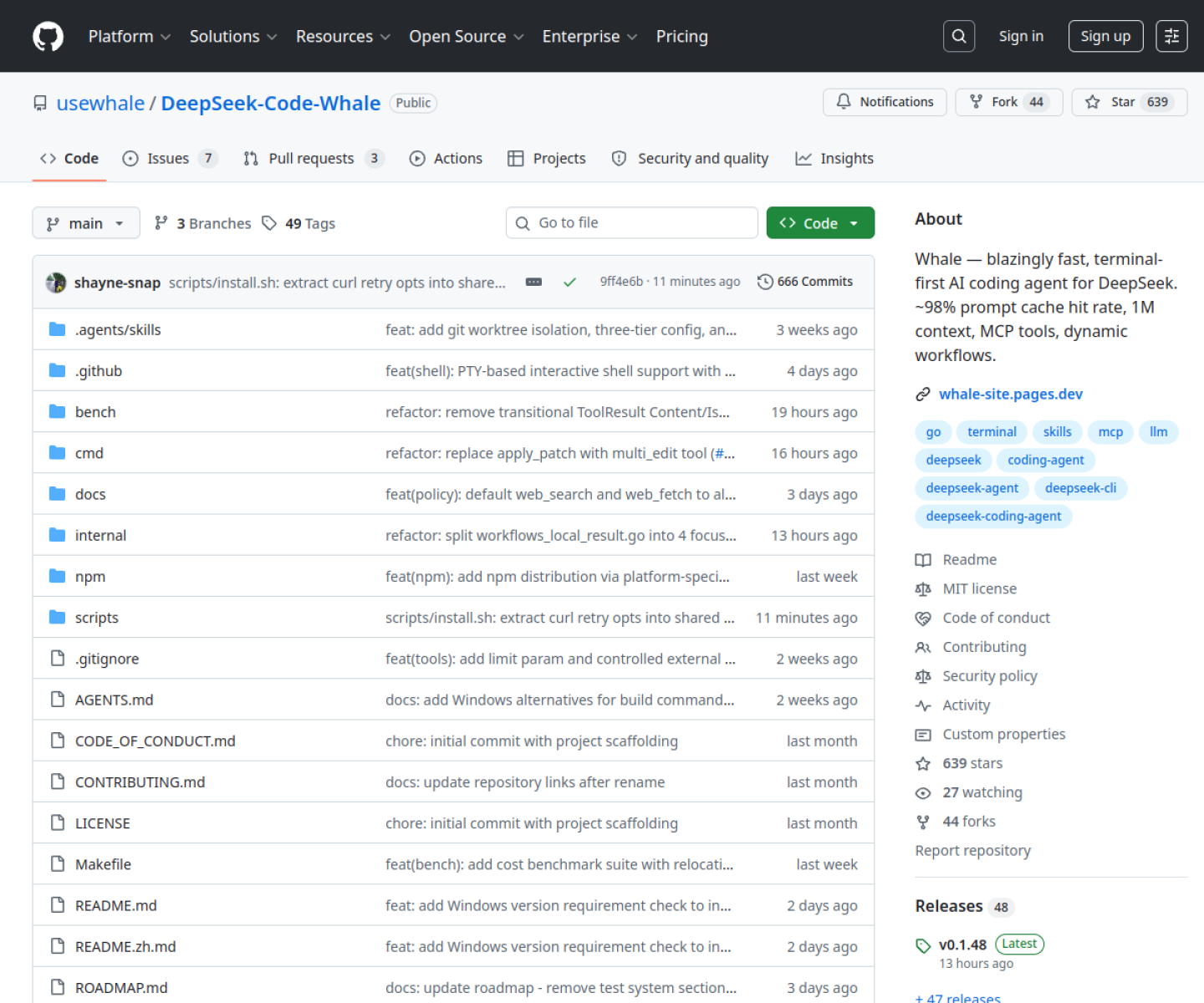
AI Project Details
DeepSeek Code Whale review: Terminal-first coding agent for DeepSeek workflows, with MCP tools, long context handling, and project memory for complex repository work.
DeepSeek Code Whale is built for developers who want a cli coding agent tuned for deepseek models instead of a generic browser chat or editor plugin. Instead of asking users to replace their whole toolchain, the product wraps a familiar workflow around install the cli, point it at a supported model setup, connect mcp tools, and run coding tasks from the terminal with project memory and long-context support in the loop. That makes it easier to judge on practical fit rather than hype.
What the product changes day to day
The real question is whether the workspace removes enough friction to matter. The project is specific about its fit: a coding agent around DeepSeek rather than a vague multi-model shell. Its public description highlights practical constraints that matter in code work, including prompt caching, long context, MCP tools, and dynamic workflows. Because the project is open source and terminal-first, it is easier to inspect than a hosted coding-agent wrapper.
What the workflow feels like
For a serious evaluation, start with one active project instead of a synthetic demo. In practice that means users should install the cli, point it at a supported model setup, connect mcp tools, and run coding tasks from the terminal with project memory and long-context support in the loop. If the product keeps context visible and cuts down tool hopping, the value shows up quickly.
Where it earns attention
| Evaluation angle | Fit | Why it matters | | --- | --- | --- | | Best-fit user | High | Developers who want a CLI coding agent tuned for DeepSeek models instead of a generic browser chat or editor plugin. | | Core workflow clarity | High | Install the CLI, point it at a supported model setup, connect MCP tools, and run coding tasks from the terminal with project memory and long-context support in the loop. | | Switching cost reducer | Medium to high | The project is specific about its fit: a coding agent around DeepSeek rather than a vague multi-model shell. | | Adoption risk | Medium | The best fit is for teams already comfortable with DeepSeek-oriented workflows rather than buyers who want a broad managed platform. |
Practical use cases
- Running DeepSeek-backed coding tasks from a terminal agent
- Connecting MCP tools to a long-context code workflow
- Using an inspectable open-source coding agent instead of a hosted IDE assistant
Limits and buying notes
The best fit is for teams already comfortable with DeepSeek-oriented workflows rather than buyers who want a broad managed platform. Users still need to judge model quality, local configuration, and tool safety instead of expecting a turnkey hosted product. Pricing status today: DeepSeek Code Whale is distributed as an MIT-licensed open-source project, and the reviewed official pages did not show a separate commercial pricing plan.
FAQ
What is DeepSeek Code Whale best for?
DeepSeek Code Whale is strongest when running deepseek-backed coding tasks from a terminal agent matters more than a generic AI demo. The official product materials position it around a concrete workflow rather than a blank chatbot shell.
Who should try DeepSeek Code Whale first?
Developers who want a CLI coding agent tuned for DeepSeek models instead of a generic browser chat or editor plugin. Teams with a real workflow match will get value faster than general curiosity users.
What should buyers verify before adopting DeepSeek Code Whale?
The best fit is for teams already comfortable with DeepSeek-oriented workflows rather than buyers who want a broad managed platform. Users still need to judge model quality, local configuration, and tool safety instead of expecting a turnkey hosted product. Pricing, privacy, and workflow fit should be checked directly on the current product before rollout.
Reviewed sources
- https://whale-site.pages.dev/
- https://github.com/usewhale/DeepSeek-Code-Whale
FAQ
What is DeepSeek Code Whale best for?
DeepSeek Code Whale is strongest when running deepseek-backed coding tasks from a terminal agent matters more than a generic AI demo. The official product materials position it around a concrete workflow rather than a blank chatbot shell.
Who should try DeepSeek Code Whale first?
Developers who want a CLI coding agent tuned for DeepSeek models instead of a generic browser chat or editor plugin. Teams with a real workflow match will get value faster than general curiosity users.
What should buyers verify before adopting DeepSeek Code Whale?
The best fit is for teams already comfortable with DeepSeek-oriented workflows rather than buyers who want a broad managed platform. Users still need to judge model quality, local configuration, and tool safety instead of expecting a turnkey hosted product. Pricing, privacy, and workflow fit should be checked directly on the current product before rollout.