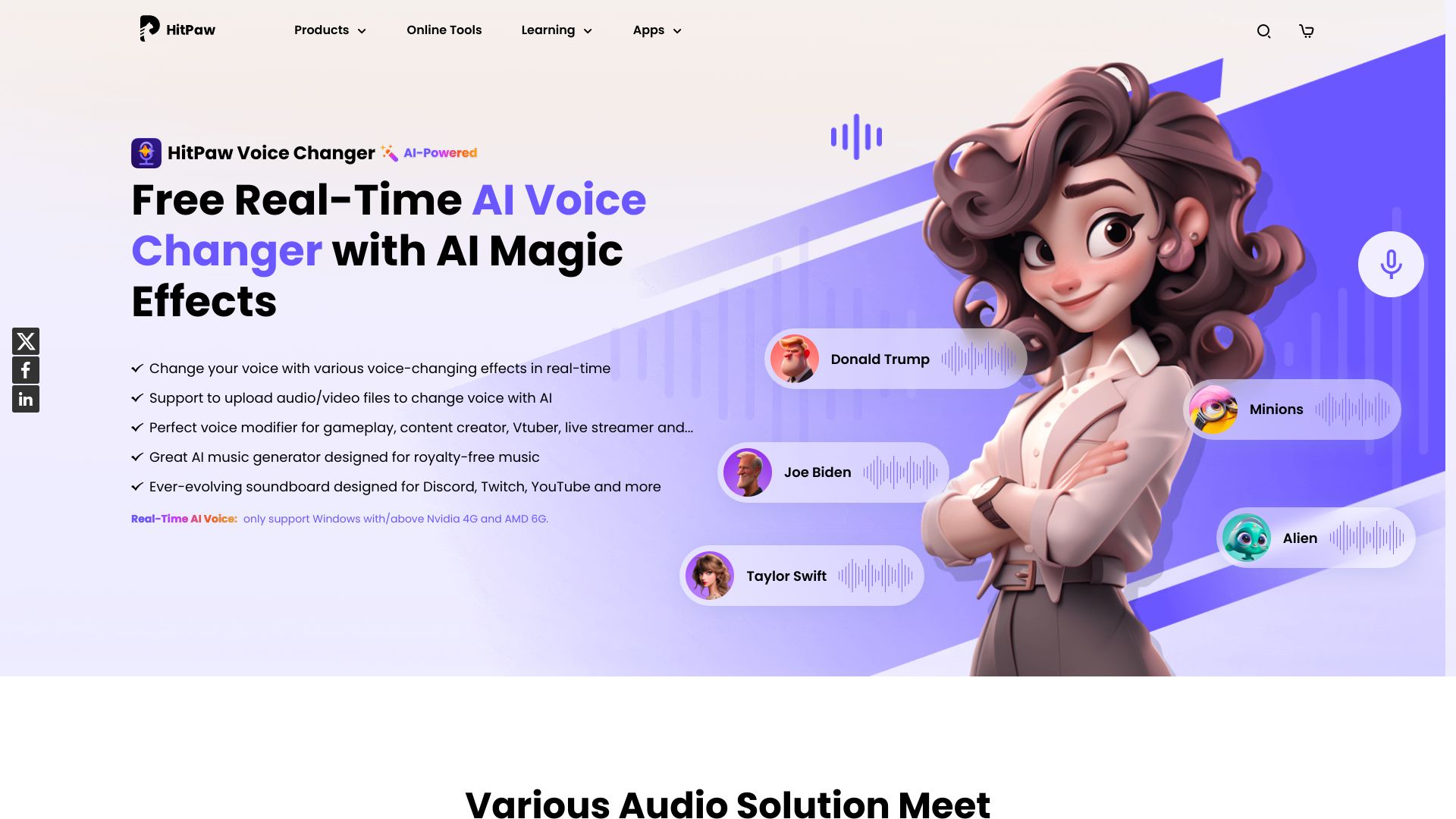
HitPaw Voice Changer
Transform your voice in real-time with our AI voice changer, featuring stunning effects that will elevate your audio experience. Whether you're looking to entertain, create unique content, or enhance your gaming sessions, our advanced technology allows you to modify your voice effortlessly. Enjoy a variety of effects that can make your voice sound like anything from a robot to a celebrity. With user-friendly controls and seamless integration, you can easily switch between effects and find the perfect sound for any occasion. Experience the magic of voice transformation today and captivate your audience with every word!
AI Project Details
HitPaw Voice Changer review: real-time voice effects for creators
HitPaw Voice Changer, now marketed on HitPaw as VoicePea, is a desktop voice tool for changing voice output in real time and producing AI-assisted audio effects. The official product page emphasizes PC and Mac support, 300+ voice effects, use cases for gaming, streaming, and chatting, and a broader HitPaw ecosystem that also includes video, photo, audio, and AI song-cover tools.
The strongest fit is a creator or streamer who wants fast voice effects inside live workflows. It can also help teams test character voices, anonymize casual recordings, or create playful audio for social clips. It is less suitable for serious narration, voice rights management, or professional dubbing where consent, licensing, and consistent performance are critical.
Best-fit use cases
| Use case | Fit | Notes | |---|---:|---| | Gaming and live streaming | High | Real-time voice effects are the core value. | | Social video audio effects | Medium to high | Works when the tone is playful or experimental. | | Voice cover experiments | Medium | Check usage rights before publishing. | | Professional narration | Low to medium | A dedicated voiceover workflow may be better. | | Regulated business audio | Low | Governance and review needs are heavier. |
What users should verify
Before using HitPaw Voice Changer publicly, test latency, audio quality, supported apps, operating-system compatibility, export options, background noise handling, commercial-use terms, refund policy, and whether any celebrity-like effects create rights or impersonation risk. For streaming, run a private test with the exact microphone, app, and routing setup.
Strengths
- Clear focus on real-time voice changing for creators.
- PC and Mac support broadens the user base.
- Large effect catalog for gaming, streaming, and casual content.
- Part of a larger HitPaw media-tool ecosystem.
Limitations
- Effect quality depends on microphone, routing, and live settings.
- Not a full editorial voiceover or dubbing workflow.
- Voice cover and impersonation-style usage can create rights issues.
- Buyers should confirm plan limits and refund terms before paying.
Bottom line
HitPaw Voice Changer is best for creators who need live, playful voice effects rather than polished enterprise narration. Treat it as a production effect tool, then check latency, rights, and audio quality before using it on a live channel.
Sources reviewed: HitPaw Voice Changer, HitPaw Store, HitPaw AI Song Cover.
FAQ
What is HitPaw Voice Changer best for?
HitPaw Voice Changer is best for real-time voice effects in gaming, streaming, online chats, and casual creator videos.
Can HitPaw Voice Changer be used for professional narration?
It can produce effects, but professional narration usually needs tighter script control, licensing clarity, voice consistency, and editorial review.
What should users test before streaming with HitPaw?
Users should test latency, microphone quality, app compatibility, routing, noise handling, plan limits, and whether the chosen voice effect is safe to publish.