Memory Store
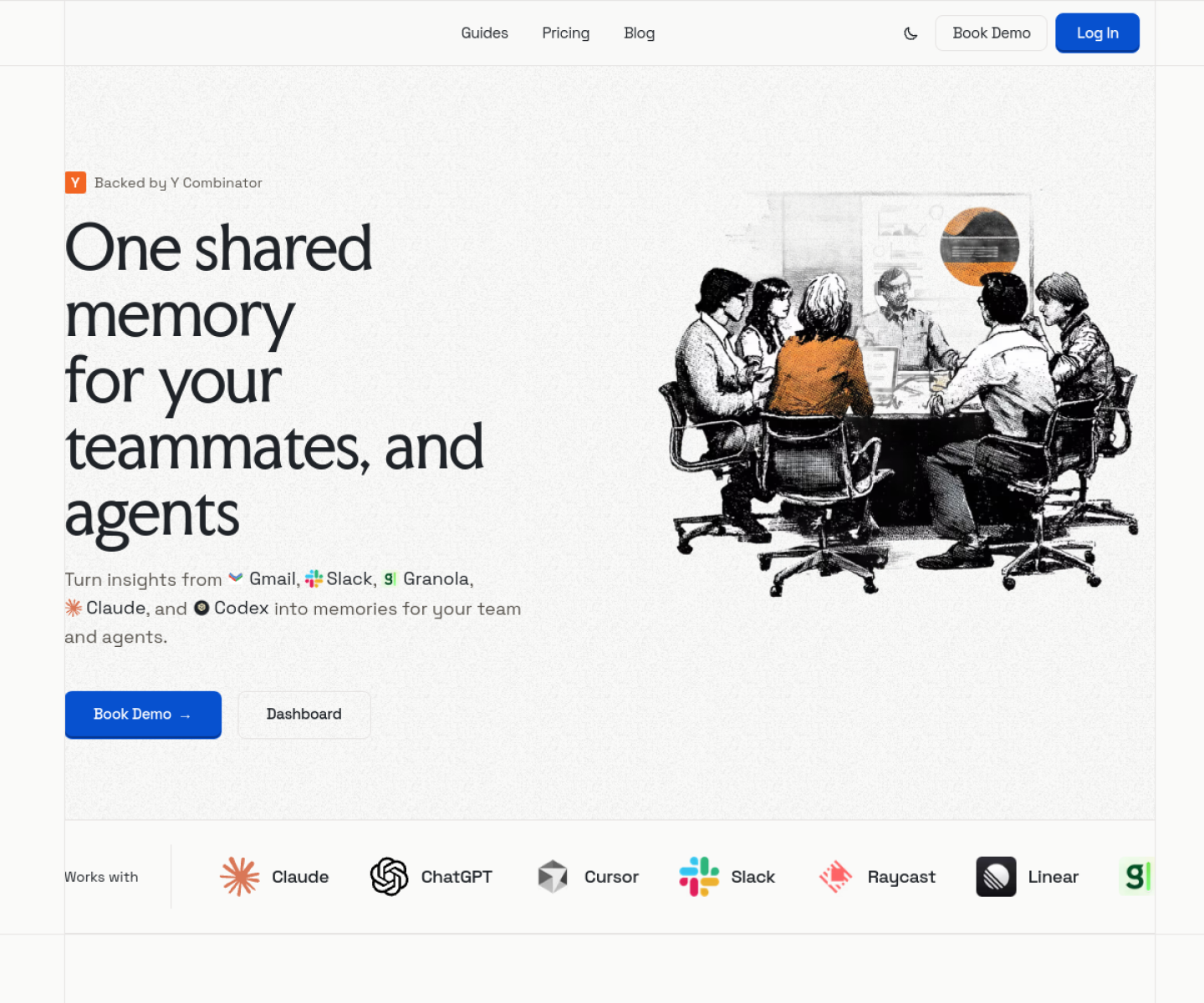
Shared memory layer for teammates and AI agents that keeps context portable across tools such as Cursor, Claude Code, ChatGPT, and Raycast AI.

AI Project Details
Memory Store review: Shared memory layer for teammates and AI agents that keeps context portable across tools such as Cursor, Claude Code, ChatGPT, and Raycast AI.
Memory Store is aimed at teams and individual builders who are tired of re-explaining context across multiple ai tools and sessions. The current product materials describe a workflow built around create and organize shared memory, connect it to supported ai tools, and let people and agents retrieve the same evolving project context across sessions. That matters because many new AI launches still sound broad until you try to map them to an actual job.
The reason this tool stands out is practical fit. Memory Store treats cross-tool memory as the product, not as a side feature hidden inside one assistant. The official guides show explicit support across multiple agent clients, which makes the portability claim concrete. It is newly notable because shared memory is becoming a distinct tool layer as multi-agent and multi-client workflows spread.
How the workflow works
The fastest way to judge Memory Store is to walk the main loop on one real task. For this product, users should create and organize shared memory, connect it to supported ai tools, and let people and agents retrieve the same evolving project context across sessions. If that loop feels clearer, more controllable, or easier to repeat than the alternatives, the product is doing useful work.
Where Memory Store stands out
| Evaluation angle | Fit | Why it matters | | --- | --- | --- | | Best-fit user | High | Teams and individual builders who are tired of re-explaining context across multiple AI tools and sessions. | | Core workflow clarity | High | Create and organize shared memory, connect it to supported AI tools, and let people and agents retrieve the same evolving project context across sessions. | | Switching cost reducer | Medium to high | Memory Store treats cross-tool memory as the product, not as a side feature hidden inside one assistant. | | Adoption risk | Medium | Teams should verify sync reliability, privacy expectations, and how much retrieval quality improves in their actual workflows. |
Practical use cases
- Sharing project memory across multiple AI coding tools
- Reducing repeated context setup for recurring agent work
- Creating a portable memory layer for teams and agents
Limits and buying notes
Teams should verify sync reliability, privacy expectations, and how much retrieval quality improves in their actual workflows. The product is only worth the extra layer if users genuinely switch between several AI tools or need team-level continuity. Pricing status today: The reviewed Memory Store pages focused on product education and guides; no full public pricing table was visible.
FAQ
What is Memory Store best for?
Memory Store works best when sharing project memory across multiple ai coding tools matters more than using a generic assistant. The official materials point to a more concrete workflow than a blank AI shell.
Who should try Memory Store first?
Teams and individual builders who are tired of re-explaining context across multiple AI tools and sessions. Teams with that exact workflow will learn faster than broad curiosity users.
What should users verify before adopting Memory Store?
Teams should verify sync reliability, privacy expectations, and how much retrieval quality improves in their actual workflows. The product is only worth the extra layer if users genuinely switch between several AI tools or need team-level continuity. Users should also check the current docs, pricing, and release status before rollout.
Reviewed sources
- https://memory.store/
- https://memory.store/guides/memory-store-for-cursor
FAQ
What is Memory Store best for?
Memory Store works best when sharing project memory across multiple ai coding tools matters more than using a generic assistant. The official materials point to a more concrete workflow than a blank AI shell.
Who should try Memory Store first?
Teams and individual builders who are tired of re-explaining context across multiple AI tools and sessions. Teams with that exact workflow will learn faster than broad curiosity users.
What should users verify before adopting Memory Store?
Teams should verify sync reliability, privacy expectations, and how much retrieval quality improves in their actual workflows. The product is only worth the extra layer if users genuinely switch between several AI tools or need team-level continuity. Users should also check the current docs, pricing, and release status before rollout.