Meshy
Transform your text and images into stunning 3D elements with seamless simplicity.
AI Project Details
Meshy review: text-to-3D and image-to-3D for production-minded creators
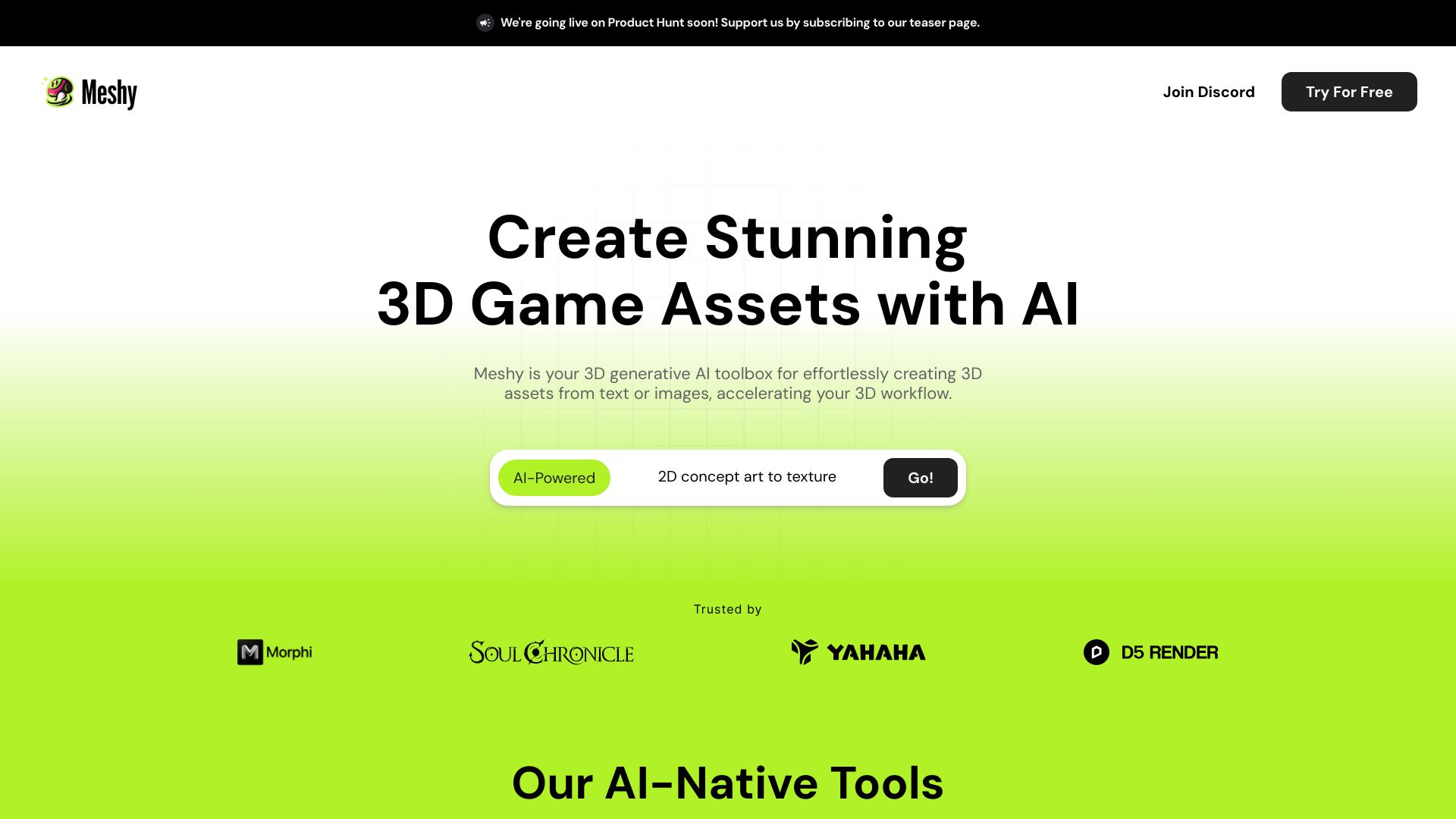
Meshy is an AI 3D model generator for artists, game developers, 3D printing hobbyists, and XR prototypers. Official docs and help materials describe Text to 3D, Image to 3D, AI Texturing, Animation, video generation, API access, Blender integration, PBR maps, export formats such as GLB, OBJ, FBX, STL, USDZ, and 3MF, and Meshy-6 support for cleaner geometry and stronger texture workflows.
The most useful way to understand Meshy is as a fast 3D asset starting point. Text to 3D is good for rapid exploration when the user has an idea but no fixed reference. Image to 3D is better when style, silhouette, or product details matter, because the input image gives the model stronger visual constraints.
Best-fit use cases
| Use case | Meshy fit | Notes | |---|---:|---| | Concept props and game assets | High | Good for fast asset drafts that can be refined in a DCC tool. | | Image-to-3D conversion | High | Strong fit when a reference image defines the object shape and style. | | 3D printing prototypes | Medium to high | Useful, but models still need watertightness, scale, and printability checks. | | API-based 3D generation | Medium to high | Docs expose text-to-3D and image-to-3D tasks, formats, moderation, and sizing controls. | | Precision engineering models | Low | Use CAD when exact dimensions and constraints matter. |
Strengths
- Clear product separation between Text to 3D and Image to 3D workflows.
- API documentation is detailed enough for developers building automated 3D generation flows.
- Supports multiple output formats and pipeline controls such as target formats, PBR maps, topology, auto sizing, and moderation.
- Meshy-6 positioning focuses on better geometry, low-poly options, texturing, and workflow control.
Limitations
- Generated meshes still need inspection for topology, scale, UVs, normals, printability, and engine performance.
- Text prompts alone can be less controllable than image-based workflows for specific brand or product assets.
- Credit costs and generation settings matter for high-volume use.
- Artists still need a finishing workflow in Blender, Maya, Unity, Unreal, Godot, or similar tools.
TakeAI verdict
Meshy is a strong choice for creators who need many usable 3D starting points quickly and are comfortable finishing assets in a normal 3D pipeline. It is especially useful when paired with reference images. A good pilot should test both Text to 3D and Image to 3D on the same asset brief, then compare topology, texture quality, export compatibility, printability, and cleanup time.
Sources reviewed: Meshy homepage, What is Meshy?, Meshy features, Text to 3D API, Image to 3D API, Meshy-6 launch.
FAQ
When should I use Meshy Text to 3D?
Use Text to 3D for fast ideation when the exact shape is flexible. Use Image to 3D when you need closer control over silhouette, style, or product details.
Can Meshy outputs go straight into production?
Sometimes for prototypes, but production assets should still be checked for topology, UVs, scale, texture quality, licensing, and engine or printing requirements.
What should teams measure in a Meshy pilot?
Measure generation cost, output quality, format compatibility, cleanup time, topology quality, texture usefulness, and whether image-guided generation improves consistency.