Notely
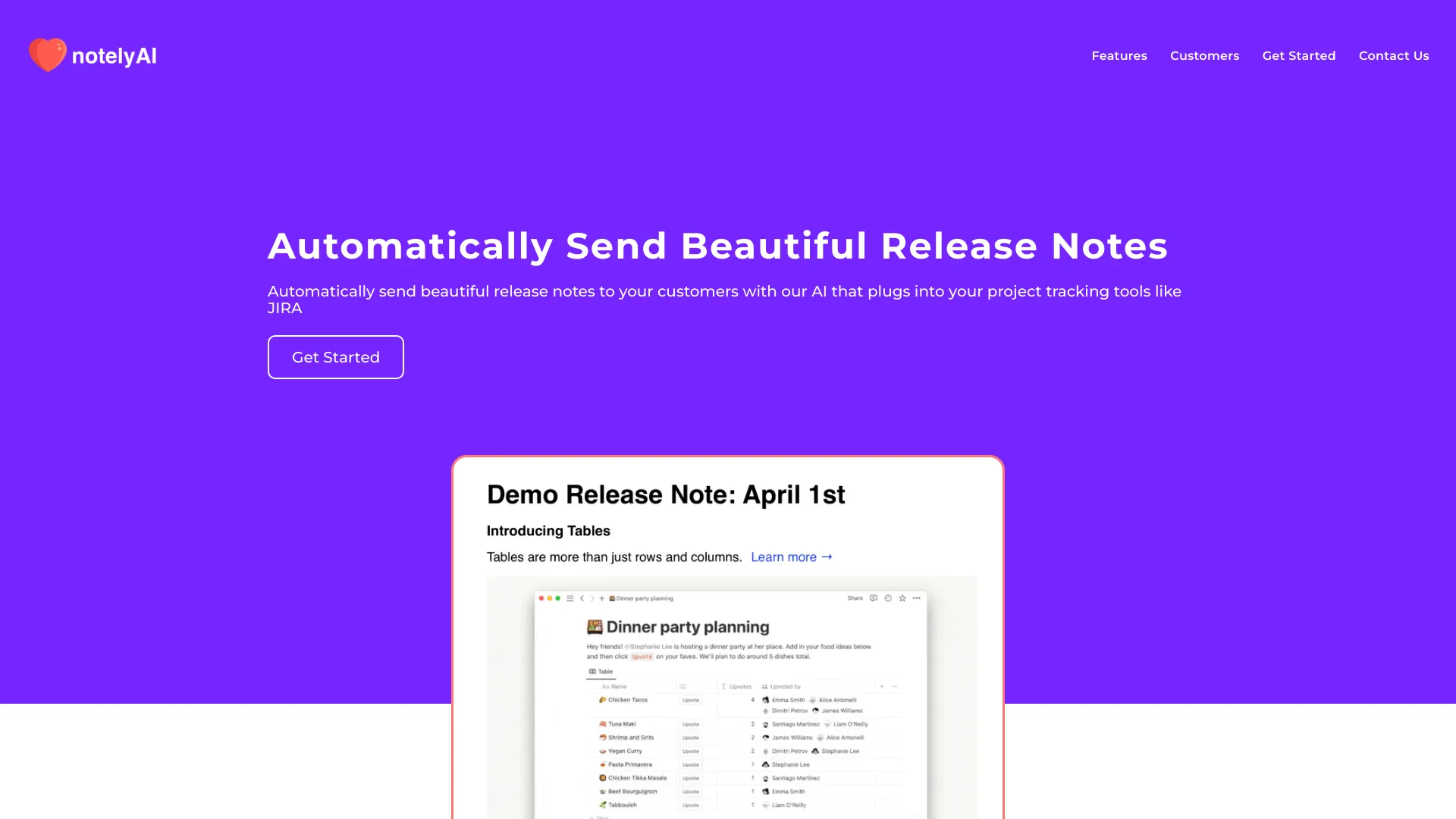
Automatically generate beautiful release notes
AI Project Details
Notely review: privacy-first AI note-taking and local meeting transcription
Notely's current public documentation describes a privacy-first desktop application for meeting notes, live transcription, and AI-powered summaries. The docs say notes, transcriptions, and summaries can be stored locally, with processing based on Whisper.cpp for transcription and llama.cpp for local LLM inference. Search results and app listings also show mobile note-taking variants, so buyers should confirm which Notely product they are evaluating.
For TakeAI, the safest positioning is privacy-first AI note-taking rather than CRM. The strongest fit is users or teams that want meeting notes, transcripts, summaries, action items, and searchable writing without sending sensitive conversations to a cloud AI provider by default.
Best-fit use cases
| Use case | Notely fit | Notes | |---|---:|---| | Private meeting notes | High | Strong fit if local processing and storage are required. | | Live transcription | Medium to high | Depends on device performance, microphone quality, and language support. | | Action items and summaries | Medium to high | Useful when meeting follow-up is the main pain point. | | Regulated organization note-taking | Medium | Needs IT review, deployment model, encryption, and policy checks. | | CRM automation | Low | Current public docs point to note-taking, not CRM. |
What to verify before adopting Notely
Users should check the exact product URL, desktop versus mobile capabilities, local storage, encryption, model downloads, GPU or CPU requirements, transcription languages, summary quality, sync options, export formats, security settings, privacy policy, and whether the app can handle long meetings without performance issues.
Notely's main value is trust. Many meeting assistants send recordings to cloud services; a local-first approach can be attractive for strategy sessions, legal conversations, healthcare administration, financial planning, or internal leadership meetings. But local AI also shifts responsibility for device security and backups to the user.
Strengths
- Privacy-first positioning is valuable for sensitive meetings.
- Local transcription and local summarization can reduce cloud data exposure.
- Useful for meeting summaries, key points, decisions, action items, and organized notes.
Limitations
- Product naming and listings can be confusing, so users should verify the exact app.
- Local AI performance depends on device hardware.
- Sync, backups, and enterprise deployment need careful review.
Bottom line
Notely should be indexed as an AI note-taking and transcription tool, with clear privacy caveats and product-identity checks. A good pilot records one real meeting, generates a transcript and summary, exports notes, and verifies that no sensitive data leaves the approved environment.
Sources reviewed: Notely AI docs, Notely privacy-focused site, Notely App Store listing.
FAQ
What is Notely best for?
Notely is best for AI note-taking, meeting transcription, private summaries, action items, and local-first meeting documentation workflows.
Is Notely a CRM assistant?
The current public documentation points to AI note-taking and transcription, not CRM. Directory categories should be treated as stale until verified.
What should teams check before using Notely?
Check exact product URL, local processing, encryption, device requirements, transcript quality, language support, sync, exports, privacy policy, and backups.