OneAudio AI
Title: Effortlessly Convert Audio to Notes: A Simple Guide Meta Description: Discover how to convert audio to notes quickly and easily. Learn the best methods and tools to transform your audio files into concise notes. In today's fast-paced world, the ability to convert audio to notes has become essential for students, professionals, and anyone who needs to capture spoken information efficiently. Whether it's a lecture, a meeting, or an interview, turning audio into written notes can enhance your productivity and organization. 1. Why Convert Audio to Notes? - Improved Retention: Writing things down helps reinforce memory. - Easy Reference: Having notes allows for quick review and access to important information. - Time-Saving: Converting audio to notes means you can revisit key points without listening to lengthy recordings. 2. Tools for Converting Audio to Notes - **Transcription Software**: Utilize popular software that automatically transcribes audio into text. This can save you a significant amount of time. - **Voice Recognition Applications**: Apps that convert spoken words into text in real-time can be highly effective for live events or lectures. - **Manual Note-Taking**: For those who prefer a personal touch, listening and jotting down notes manually can also be beneficial. 3. Tips for Effective Audio to Notes Conversion - Choose Clear Audio: Ensure that the audio quality is good to improve transcription accuracy. - Focus on Key Points: While converting, concentrate on the main ideas rather than transcribing every word. - Organize Notes: Use bullet points or headings to structure your notes for better clarity and readability. In conclusion, converting audio to notes can significantly enhance your learning and productivity. With the right tools and techniques, you can transform spoken content into actionable written notes with ease. Start using these methods today to streamline your note-taking process and improve your information retention!
AI Project Details
OneAudio review: turn spoken ideas and recordings into clean notes
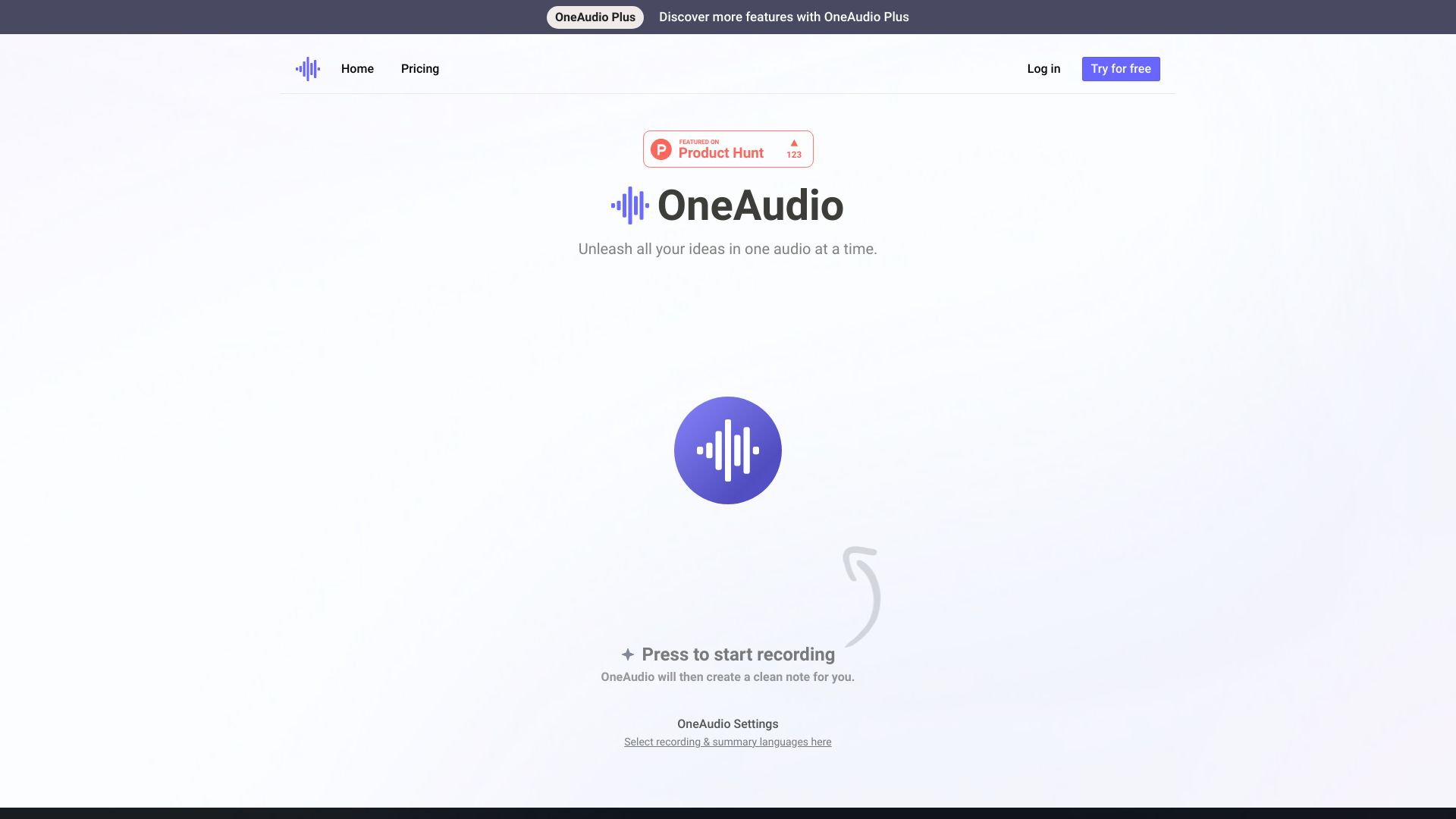
OneAudio is an audio-to-notes tool for recording, uploading, summarizing, transcribing, and rewriting spoken content into structured notes. The current homepage says users can press record, speak ideas out loud, upload an audio file, select recording and summary languages, and receive a clean note. The pricing page lists Free, Plus, and Amplify plans. Free includes up to 5 saved audio notes, 10 minutes per month, and 5 minutes per audio. Plus includes unlimited saved notes, up to 1,200 minutes per month, 30 minutes per audio, uploads, original audio downloads, bookmarks, and AI summary rewriting. Amplify includes unlimited saved notes, unlimited monthly minutes, 40 minutes per audio, uploads, downloads, bookmarks, and rewrite features. The site also states it uses OpenAI GPT-4.1 and offers a 7-day money-back guarantee.
The strongest fit is a founder, creator, student, consultant, or knowledge worker who thinks better by speaking than typing. It is useful for capturing raw thoughts, meeting reflections, voice memos, content ideas, and short research notes. It is not a replacement for a professional transcription service when legal, medical, or compliance-grade accuracy is required.
Best-fit use cases
| Use case | Fit | Notes | |---|---:|---| | Voice memo to note | High | The core flow is recording and creating clean notes. | | Idea capture | High | Strong fit for people who think out loud. | | Meeting recap draft | Medium to high | Useful if users verify names, dates, and decisions. | | Content outline creation | Medium | Summaries can become drafts or briefs. | | Compliance transcripts | Low | Accuracy and retention need formal review. |
Core workflow
A practical OneAudio workflow starts with a short recording, then reviews the generated note, corrects key facts, adds tags or bookmarks, rewrites the summary for the intended audience, and exports or shares only after checking sensitive details. For long meetings, users should split audio into sections to preserve context and reduce review friction.
What users should verify
Users should verify transcription accuracy, summary quality, language support, speaker handling, audio upload formats, recording length limits, monthly minute limits, saved-note limits, rewrite behavior, original audio downloads, privacy policy, retention, deletion controls, mobile app behavior, and whether sensitive or client recordings are allowed under their own policies.
Strengths
- Simple workflow for people who prefer speaking to typing.
- Pricing page gives clear minute, note, and recording-length limits.
- Upload, download, bookmark, and rewrite features make Plus and Amplify practical for ongoing work.
- Useful for first-pass notes, idea capture, and content planning.
Limitations
- Summaries can omit context or misstate details if the audio is unclear.
- Speaker diarization and specialized vocabulary need testing.
- Sensitive recordings require privacy and retention review.
- Free tier is intentionally limited for regular note workflows.
Bottom line
OneAudio is best for turning spoken ideas and recordings into readable notes quickly. It works well as a thinking companion and note draft tool, as long as users review accuracy before relying on the output.
Sources reviewed: OneAudio homepage, OneAudio pricing.
FAQ
What is OneAudio best for?
OneAudio is best for turning voice memos, recordings, and spoken ideas into clean, structured notes that can be reviewed, rewritten, and shared.
Can OneAudio handle uploaded audio files?
Yes. The Plus and Amplify plan descriptions include audio uploads, original audio downloads, bookmarks, and AI summary rewriting.
What should users check before using OneAudio for work recordings?
Users should check transcription accuracy, language support, speaker handling, monthly minute limits, recording length limits, privacy, retention, deletion controls, and whether client recordings are allowed.