Otter AI
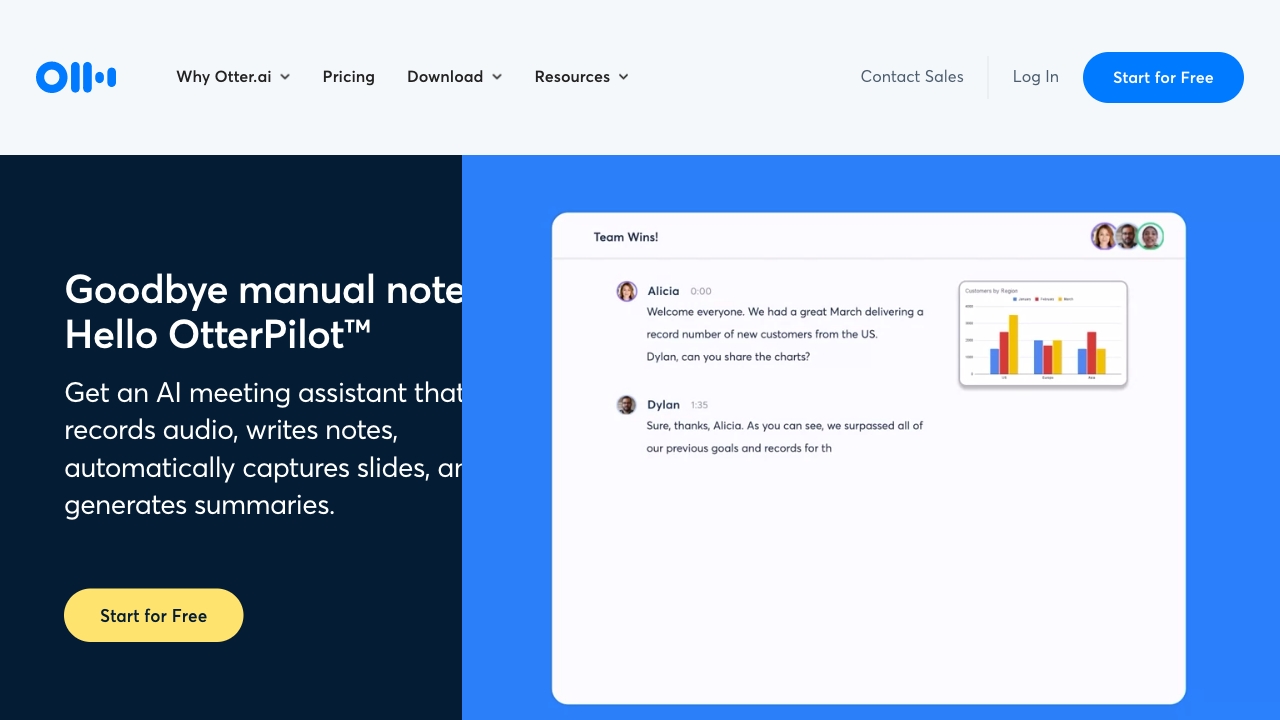
Otter.ai: Enhance Your Productivity with Automatic Meeting Notes and Transcriptions In today's fast-paced work environment, effective communication and collaboration are essential. Otter.ai is a powerful platform designed to streamline your meetings by providing automatic meeting notes, transcriptions, and summaries. With Otter.ai, you can focus on the conversation while the platform captures every detail, ensuring that you never miss important information. Key Features of Otter.ai: - Automatic Transcriptions: Convert spoken words into text in real-time, making it easy to review discussions later. - Meeting Summaries: Receive concise summaries of your meetings, highlighting key points and action items. - Collaboration Tools: Share notes and transcripts with your team, fostering better collaboration and productivity. By integrating Otter.ai into your workflow, you can improve your team's efficiency and ensure that everyone stays on the same page. Experience the benefits of seamless communication and take your productivity to the next level with Otter.ai.
AI Project Details
Otter.ai review: AI meeting notes, transcription, and workflow memory
Otter.ai is an AI meeting agent for real-time transcription, automated summaries, AI Chat, insights, action items, and searchable meeting knowledge. The current homepage describes Otter as an AI Notetaker and conversational knowledge engine for meetings, with use cases across sales, education, media, SDR workflows, and recruiting. The integrations page highlights connections to tools teams already use, and the pricing page lists free, pro, business, and enterprise options with meeting minutes, imports, templates, storage, vocabulary, and collaboration controls.
Otter is strongest when meetings are a recurring source of decisions, follow-ups, customer knowledge, or training material. It is less useful for teams that rarely meet or cannot record conversations for privacy reasons.
Best-fit use cases
| Use case | Fit | Notes | |---|---:|---| | Meeting transcription and summaries | High | This is Otter's core product surface. | | Sales and customer calls | High | Sales follow-ups and CRM sync are explicit use cases. | | Education and interviews | Medium to high | Lecture and media workflows are listed by Otter. | | Team knowledge search | Medium to high | AI Chat and searchable transcripts support this. | | Sensitive regulated meetings | Medium | Consent, retention, and compliance controls must be checked. |
What users should verify
Teams should test transcription accuracy, speaker identification, supported languages, meeting length limits, monthly minutes, import limits, AI summary quality, action-item extraction, integrations, admin controls, data retention, consent workflows, and whether recordings are allowed under company policy and local law. Sales teams should validate CRM sync and follow-up accuracy before relying on automation.
Strengths
- Mature meeting transcription and AI summary positioning.
- Works across Zoom, Microsoft Teams, Google Meet, and connected workflows.
- Useful AI Chat layer for searching meeting knowledge.
- Pricing page clearly separates individual, team, and enterprise needs.
Limitations
- Accuracy varies by audio quality, accents, speakers, and domain terms.
- Recording meetings requires consent and privacy governance.
- Free and lower plans have minute and import limits.
- AI action items should be checked before sending follow-ups.
Bottom line
Otter.ai is best for teams that need searchable meeting memory, summaries, and follow-up support. It can save time, but adoption should include clear consent, retention, and review practices.
Sources reviewed: Otter.ai homepage, Otter integrations, Otter pricing.
FAQ
What is Otter.ai used for?
Otter.ai is used for meeting transcription, automated notes, summaries, AI Chat, action items, insights, and searchable conversation knowledge.
Which meetings fit Otter best?
Otter fits recurring work meetings, sales calls, interviews, lectures, recruiting conversations, and any discussion where notes and follow-ups matter.
What should teams check before rolling out Otter?
Teams should check consent rules, data retention, admin controls, transcription accuracy, language support, meeting-minute limits, integrations, and CRM or follow-up accuracy.