personifyinc.com
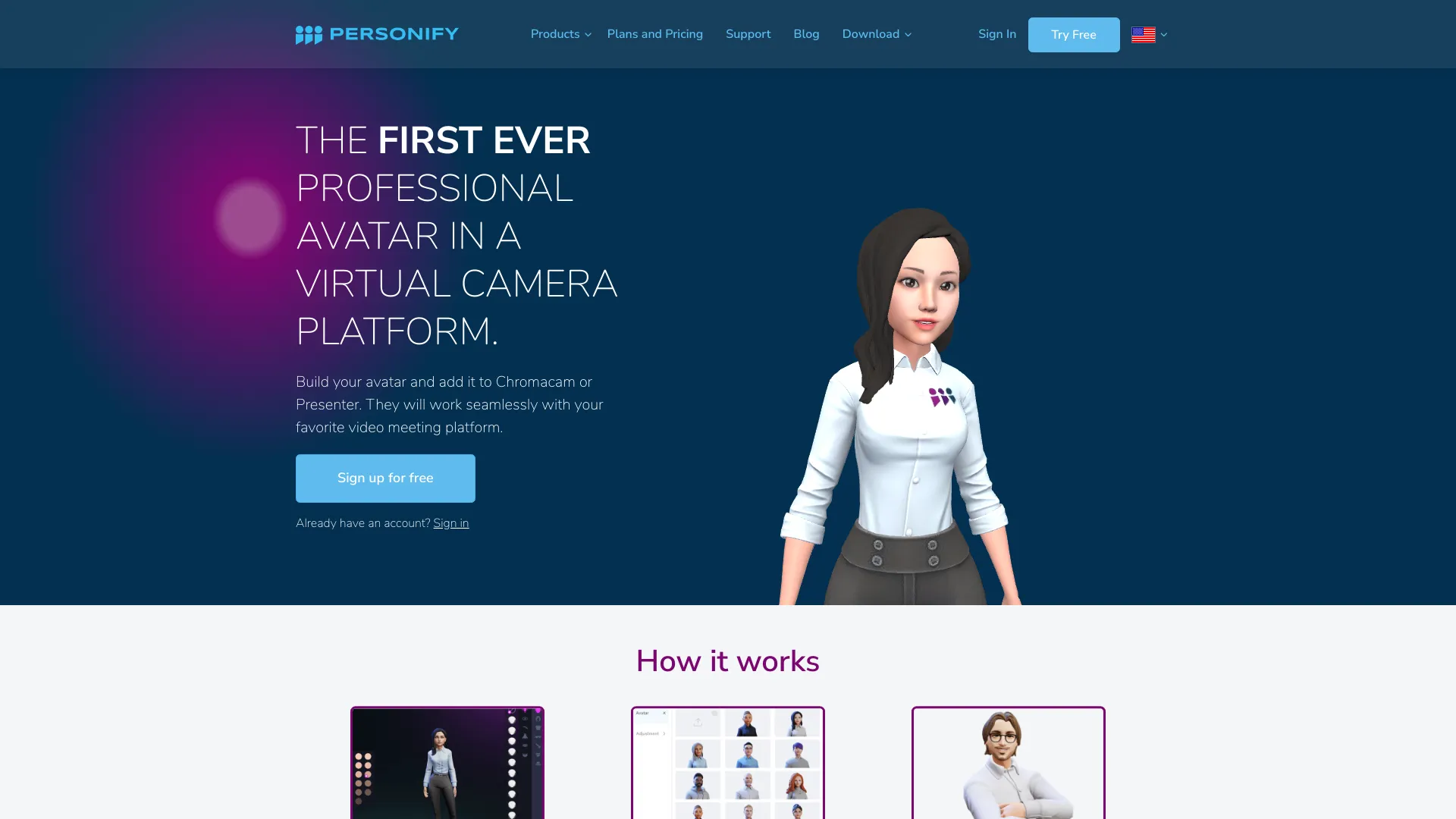
Professional Avatar in a Virtual Camera Platform In today's digital landscape, the use of a professional avatar in a virtual camera platform has become increasingly important. A well-designed avatar not only enhances your online presence but also helps in creating a more engaging and interactive experience for your audience. Why Choose a Professional Avatar? 1. **Enhanced Personal Branding**: A professional avatar allows you to establish a unique identity in virtual meetings and events, making you more memorable to your audience. 2. **Increased Engagement**: Avatars can make interactions more lively and relatable, encouraging participation and fostering a sense of community among users. 3. **Versatility**: Whether for business meetings, webinars, or social gatherings, a professional avatar can adapt to various contexts, ensuring you always present yourself in the best light. Creating Your Professional Avatar - **Choose the Right Platform**: Select a virtual camera platform that supports customizable avatars and offers a range of design options. - **Focus on Quality**: Invest time in creating a high-quality avatar that reflects your personality and professionalism. - **Keep It Relevant**: Ensure your avatar aligns with your brand and the message you want to convey to your audience. Conclusion Utilizing a professional avatar in a virtual camera platform is a strategic move that can significantly enhance your online interactions. By investing in a well-crafted avatar, you not only improve your personal branding but also create a more engaging experience for your audience. Embrace the power of avatars and elevate your virtual presence today!
AI Project Details
What is Personify?
The first ever professional avatar in a virtual camera platform.
How to use Personify?
- Build your avatar using ReadyPlayerMe or VRoidStudio.
- Import your avatar to ChromaCam or Presenter.
- Join your meeting using your avatar.
Personify's Core Features
- Background Replacement
- Avatar
- User Extraction
- Immersive Presentation
- Blur Background Effect
Personify's Use Cases
- Enhance rapport with audience in online demos or meetings.
- Boost productivity and secure privacy in remote video calls.
- Make video meetings fun and engaging with your own avatar.
FAQ from Personify
What platforms are compatible with Personify?
Contact Personify
For support, customer service, and refund inquiries, please visit the contact us page.
Personify Company
Company name: Personify Inc.
For more about Personify, please visit the about us page.
Personify Login
Login Link: https://personifyinc.com/login
Personify Sign up
Sign up Link: https://personifyinc.com/register
Personify Pricing
Pricing Link: TakeAI is your premier destination for discovering the best AI tools and applications. © 2026 TakeAI.org. All rights reservedProduct
Connect with us