Pixelcut
A Free Online Design Tool for Stunning Product Photos and Ads Are you looking for an easy way to create eye-catching product photos and advertisements? Look no further! Our free online design tool offers intuitive features that make background removal and object erasing a breeze. Key Features: - **User-Friendly Interface**: Effortlessly navigate through our tool to create professional-quality images. - **Background Removal**: Quickly eliminate unwanted backgrounds to highlight your products. - **Object Erasing**: Easily remove any distractions from your photos for a clean, polished look. With our design tool, you can enhance your marketing materials and attract more customers. Start creating stunning visuals today and elevate your brand's presence online!
AI Project Details
Pixelcut review: AI creative workspace for product visuals, editing, and brand assets
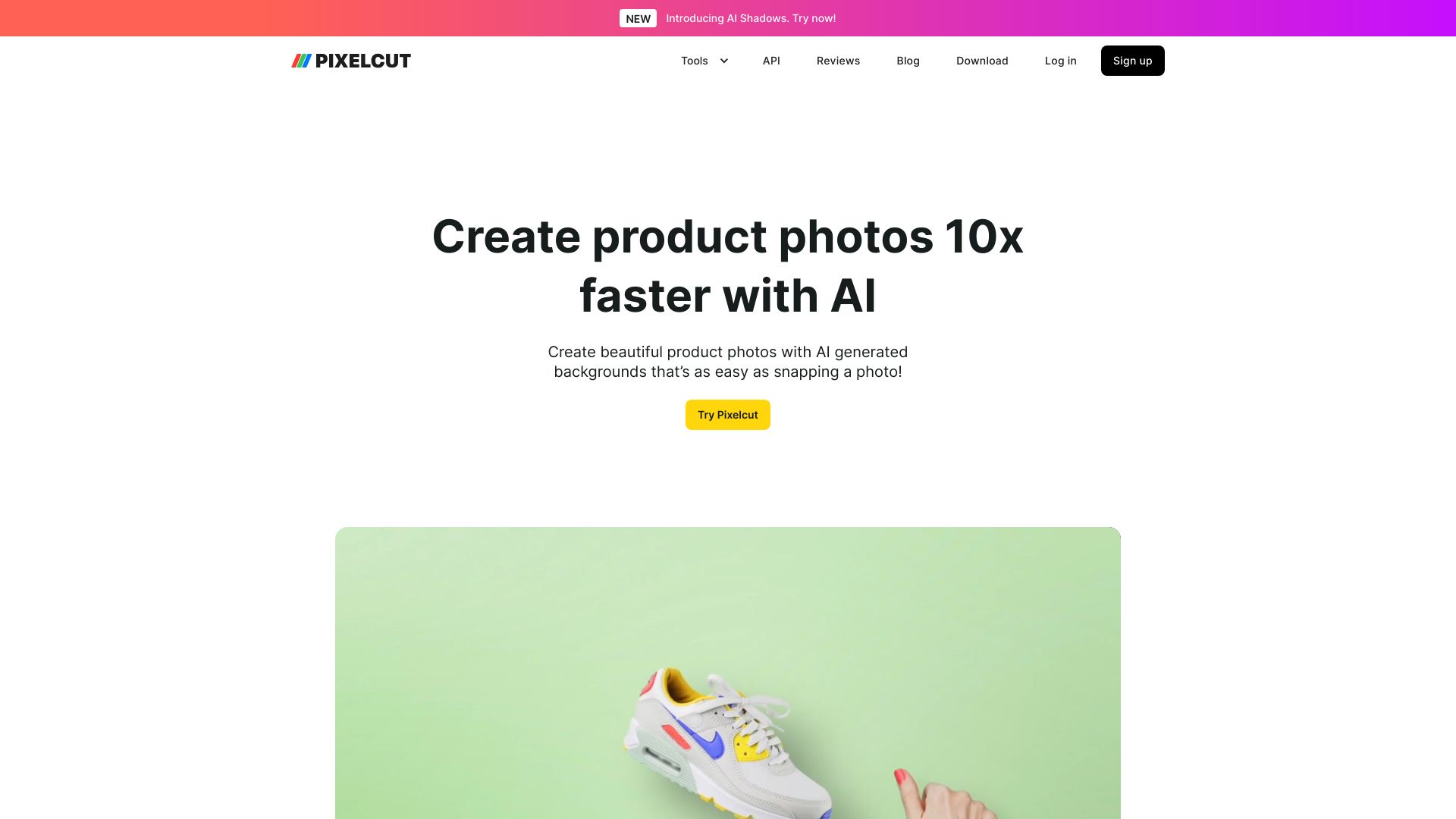
Pixelcut is an AI photo editor and creative production platform for creators, brands, and ecommerce teams. Its current positioning goes beyond single-task editing: the product site describes product showcases, AI UGC ads, personas, background removal for images and video, upscaling, image expansion, generative retouching, shadows, batch editing, brand or character consistency, mobile apps, and API access.
The strongest fit is visual production at scale. Pixelcut is useful when a small brand, marketplace seller, or creative team needs many product images, backgrounds, retouched assets, and social creatives without sending every image through a professional studio.
Best-fit use cases
| Use case | Pixelcut fit | Notes | |---|---:|---| | Ecommerce product visuals | High | Strong fit for product cutouts, backgrounds, shadows, and batch edits. | | Social and ad creative | High | Useful for generating multiple on-brand variants quickly. | | Mobile-first creator editing | Medium to high | Apps and simple tools work well for fast publishing workflows. | | Brand-consistent AI imagery | Medium to high | Personas and identity features should be tested for consistency. | | Heavy professional retouching | Medium | Complex beauty, fashion, or luxury campaigns may still need specialists. |
Strengths
- Combines everyday image edits with generative AI workflows.
- Background removal, upscaling, expand, retouching, shadows, and batch editing cover ecommerce needs.
- Brand and persona consistency features are useful for repeatable creative production.
- API and app ecosystem make it flexible for sellers, creators, and product teams.
Limitations
- Generated visuals should be checked for product accuracy, claims, labels, proportions, and brand compliance.
- AI UGC and persona workflows need consent and disclosure review where real people or endorsements are implied.
- Premium model access, API pricing, and batch limits should be tested before scaling.
- High-end campaign imagery may still need art direction, photography, and professional retouching.
TakeAI verdict
Pixelcut is a strong option for ecommerce and creator teams that need a practical AI production workspace rather than a one-off editor. Use it when the business problem is visual volume and speed. Pilot it with a real SKU set: create product cutouts, lifestyle backgrounds, shadows, social variants, and batch edits, then score product accuracy, brand fit, usable-output rate, and time saved.
Sources reviewed: Pixelcut homepage, Pixelcut background remover, Pixelcut API, Pixelcut pricing.
FAQ
What is Pixelcut best for?
Pixelcut is best for ecommerce product visuals, background removal, upscaling, retouching, batch editing, AI creative variants, and mobile-first content workflows.
Can Pixelcut replace product photography?
It can reduce simple studio work for many ecommerce assets, but high-end campaigns and exact product representation still need human review or professional photography.
What should teams test before adopting Pixelcut?
Test product accuracy, batch-edit quality, background realism, shadow consistency, model/API costs, brand fit, export sizes, and disclosure needs for AI-generated creatives.