PixVerse
AI Model: Creating Stunning Videos from Multi-Modal Inputs In today's digital landscape, the ability to create captivating videos is more important than ever. Our AI model excels at transforming multi-modal inputs into stunning visual content that engages audiences and enhances storytelling. By leveraging advanced algorithms, this innovative technology seamlessly integrates various data types, including text, images, and audio, to produce high-quality videos that resonate with viewers. Key Features: - Multi-Modal Integration: Effortlessly combine text, images, and audio to create cohesive video narratives. - High-Quality Output: Generate visually appealing videos that maintain clarity and professionalism. - User-Friendly Interface: Designed for ease of use, allowing anyone to create videos without technical expertise. Benefits of Using Our AI Model: - Enhanced Engagement: Capture your audience's attention with dynamic video content. - Time Efficiency: Streamline the video creation process, saving valuable time and resources. - Versatile Applications: Ideal for marketing, education, and entertainment, making it suitable for various industries. Unlock the potential of your content with our AI model, and start creating stunning videos that leave a lasting impression. Experience the future of video production today!
AI Project Details
PixVerse review: AI video generation for fast creative clips and effects
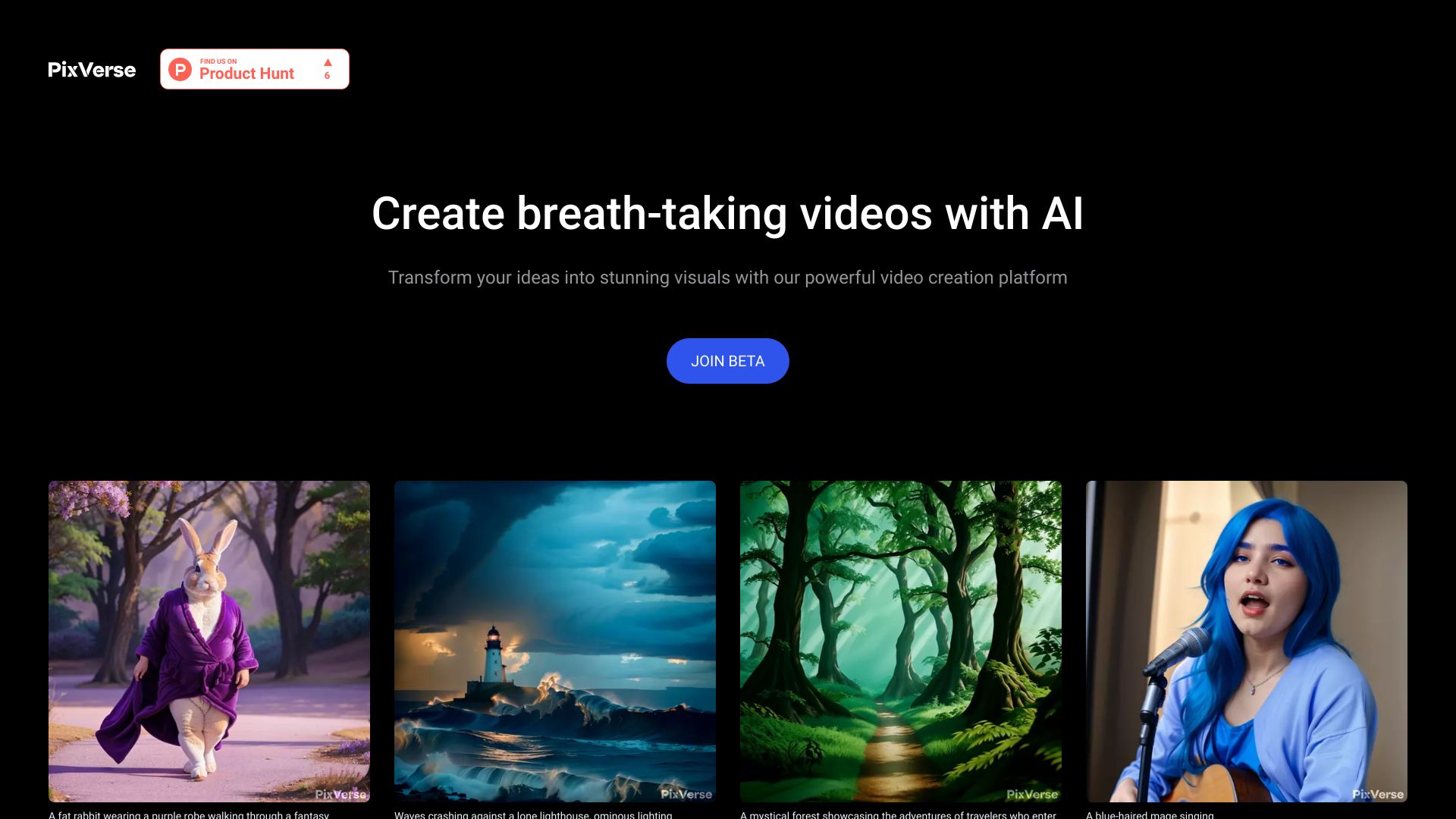
PixVerse is an AI video generation platform for creating short videos from text, images, and creative prompts. The product focuses on fast visual generation, image-to-video workflows, video effects, character and style experimentation, and creator-friendly output rather than a full production management system. It is most useful when the goal is to explore motion ideas, social clips, concept shots, or stylized video assets quickly.
PixVerse should be evaluated as a creative generation tool, not as a complete video operations platform. It can help users produce eye-catching clips, but teams still need to manage prompt quality, visual consistency, brand review, asset rights, and editing outside or around the generated output.
Best-fit use cases
| Use case | PixVerse fit | Notes | |---|---:|---| | Text-to-video experiments | High | Strong fit for testing visual ideas quickly. | | Image-to-video animation | High | Useful when turning a still product, character, or concept image into motion. | | Social media creative clips | Medium to high | Works well for short-form assets with manual curation. | | Visual effects and style tests | Medium to high | Good for exploring looks before committing production time. | | Enterprise training or compliance video | Low to medium | Tools like Synthesia or workflow systems may fit better. |
Strengths
- Fast path from prompt or image to a motion clip.
- Useful for creators who need many visual concepts and can curate the best outputs.
- Image-to-video workflows are practical for animating campaign art, product shots, and character concepts.
- Lower workflow overhead than full production platforms when the task is simply to generate clips.
Limitations
- Consistency across multiple scenes, exact brand assets, readable text, and precise product details may be difficult.
- Generated clips usually need editing, selection, and quality control before publishing.
- Rights, likeness, music, and brand-safety policies should be reviewed for commercial work.
- Not designed as a full training-video, review, localization, or governance platform.
TakeAI verdict
PixVerse is a good fit for creators and marketing teams that need fast AI-generated video concepts, short clips, or image-to-video motion. It is less suitable when the requirement is long-form narrative control, enterprise governance, or precise instructional video. A useful pilot is to generate 20 to 30 clips from real campaign prompts, then measure usable-output rate, editing time, visual consistency, and brand approval rate.
Sources reviewed: PixVerse homepage, PixVerse AI product pages, PixVerse community and product updates.
FAQ
What is PixVerse best for?
PixVerse is best for fast AI video generation, image-to-video animation, creative effects, short social clips, and early visual concept testing.
Is PixVerse good for long-form production?
It is better for short clips and concept generation. Longer narrative work may need a storyboard-first platform, editing suite, or traditional production process.
What should teams test before adopting PixVerse?
Test usable-output rate, prompt repeatability, image-to-video quality, brand consistency, editing time, export settings, rights review, and moderation behavior.