Poly
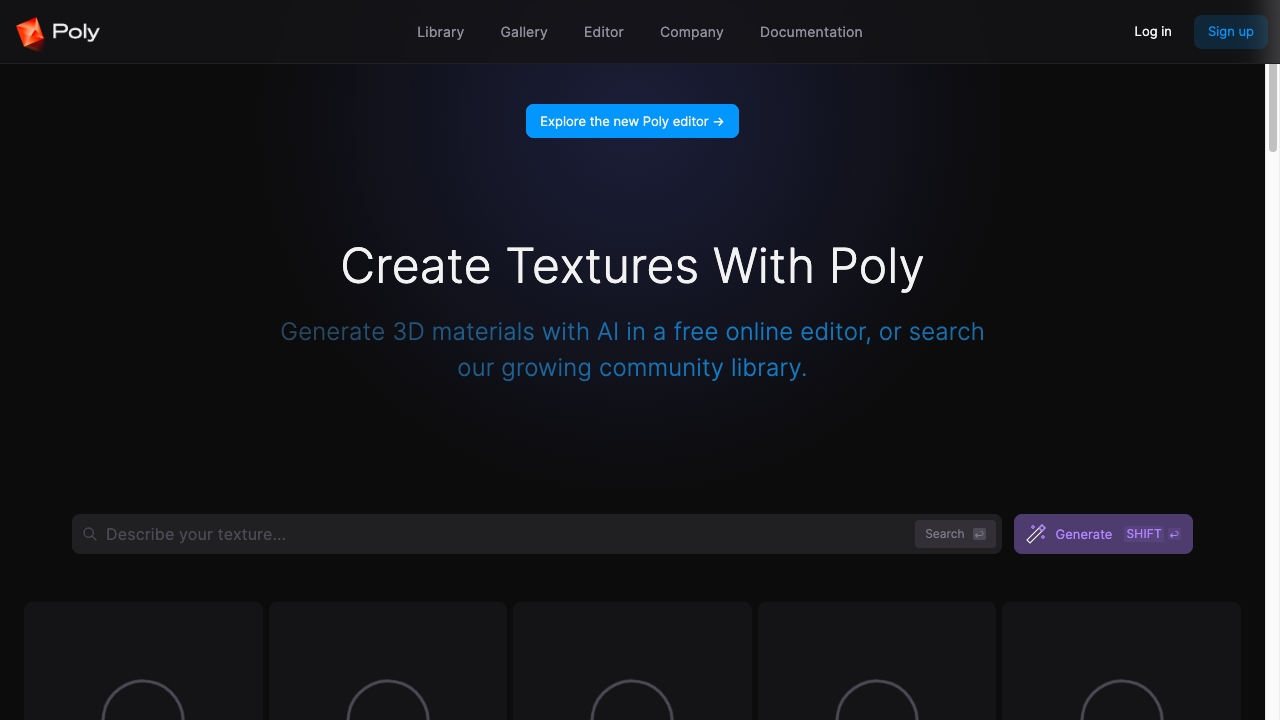
Title: Discover Free High-Definition Seamless PBR Textures with Poly: AI Texture Engine Meta Description: Explore Poly: AI Texture Engine for free high-definition seamless PBR textures available for instant download or AI-generated editing. Elevate your projects today! Poly: AI Texture Engine is your go-to resource for free high-definition seamless PBR textures. Whether you need textures for game design, 3D modeling, or digital art, Poly offers a vast library of stunning options. With instant download capabilities, you can quickly enhance your projects with high-quality textures. In addition to traditional textures, Poly: AI Texture Engine also provides AI-generated editing features. This means you can customize and create unique textures that fit your specific needs, ensuring your creative vision comes to life. Benefits of Using Poly: AI Texture Engine: - Access to a wide range of high-definition seamless PBR textures - Instant download for quick integration into your projects - AI-generated editing options for personalized texture creation - Free resources to help you save on production costs Elevate your design projects with Poly: AI Texture Engine and discover the ease of accessing high-quality seamless PBR textures today!
AI Project Details
Poly review: intelligent cloud file browser with AI search and file chat
Poly is now positioned as an intelligent file browser and cloud hosting service for personal files and media. The current homepage says users can store, browse, research, and organize files with AI across web and desktop. Its examples show natural-language search by image, concept, phrase, color, face, scene, page, clip, and file contents. It also demonstrates asking questions about files, transcribing media, finding raw footage, and syncing with the local file system.
The strongest fit is a creator, researcher, designer, video editor, photographer, student, or knowledge worker with large mixed-media folders that are hard to search by filename alone. Poly is most useful when the problem is not storage volume, but finding the right image, PDF, clip, recording, or document fragment quickly.
Best-fit use cases
| Use case | Fit | Notes | |---|---:|---| | AI file search | High | Homepage emphasizes semantic and visual search across file contents. | | Creative media libraries | High | Examples include images, video clips, interviews, PDFs, and design assets. | | Personal research organization | Medium to high | File chat and summaries can help knowledge work. | | Desktop and web file browsing | Medium | Web and desktop availability are promoted. | | Enterprise DMS replacement | Low to medium | Governance depth needs validation. |
What users should verify
Users should test supported file types, local sync behavior, privacy model, indexing speed, search accuracy, OCR quality, media transcription, file-chat reliability, offline behavior, storage limits, sharing permissions, encryption, export options, desktop performance, and whether sensitive files are used for model training or external processing.
Strengths
- Clear pain point: finding and understanding files by content rather than filenames.
- Useful for mixed media workflows where images, clips, documents, and audio live together.
- Natural-language search and file chat can reduce manual folder digging.
- Desktop plus web positioning makes it more practical than a browser-only prototype.
Limitations
- Privacy and indexing behavior need careful review before adding sensitive files.
- Search quality depends on file type support and metadata extraction.
- Enterprise teams may need stronger retention, eDiscovery, audit, and admin controls.
- Current public site offers limited detail on pricing and governance.
Bottom line
Poly is best for individuals and creative teams that need AI-powered search across messy personal or media libraries. It should be tested with a real folder, including PDFs, videos, images, and audio, before relying on it as a primary file knowledge layer.
Sources reviewed: Poly homepage, Poly privacy page.
FAQ
What is Poly best for?
Poly is best for searching, browsing, organizing, and asking questions about personal files and media with AI-powered semantic search.
What kinds of files does Poly focus on?
The homepage examples include images, videos, PDFs, documents, audio interviews, clips, pages, scenes, and visual concepts.
What should users check before using Poly?
Users should check privacy, indexing behavior, file-type support, storage limits, local sync, search accuracy, transcription quality, sharing permissions, encryption, and export options.