Remove.bg
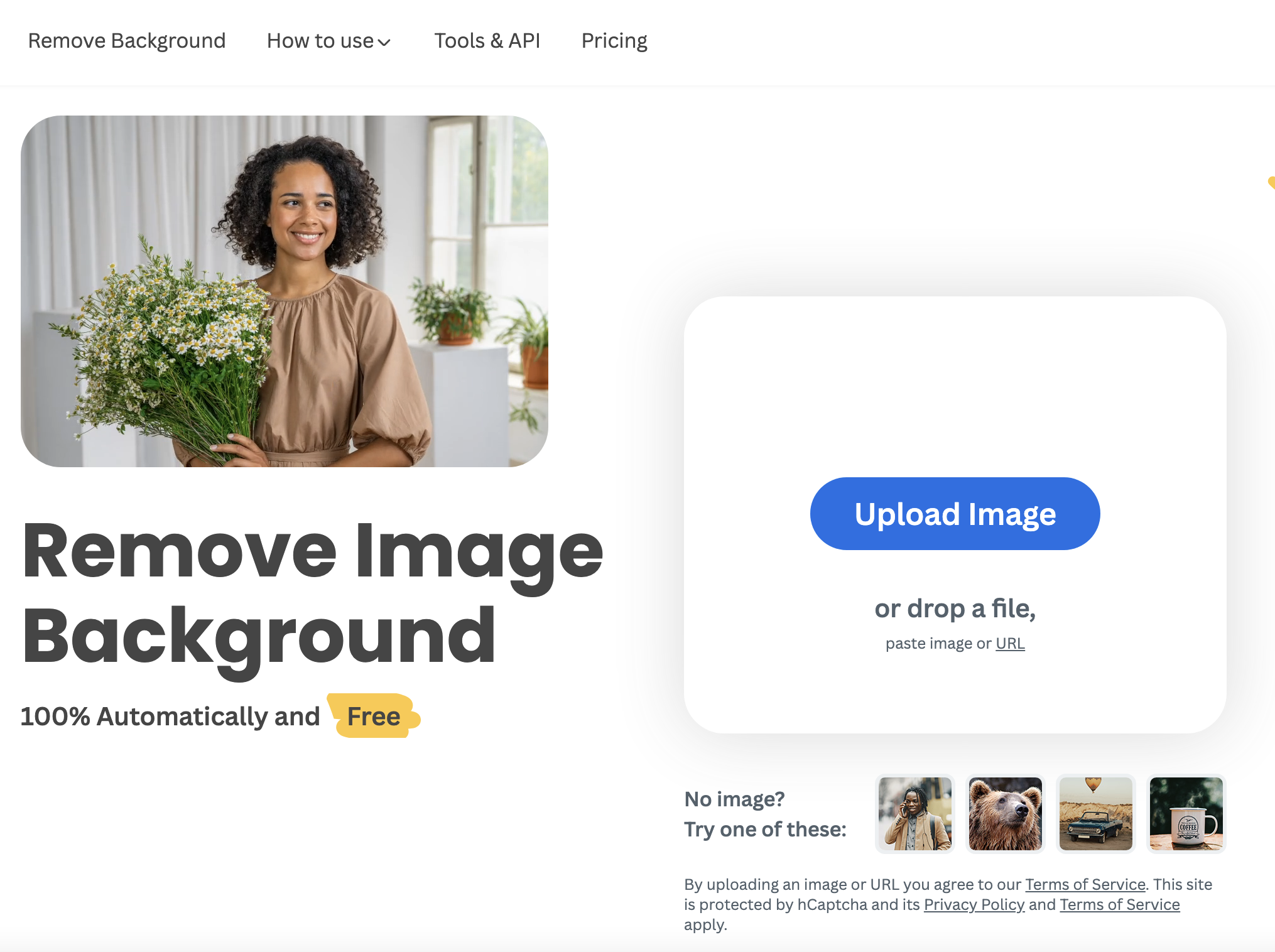
A Free Tool to Effortlessly Remove Image Backgrounds Are you tired of spending hours trying to remove backgrounds from images? Look no further! Remove.bg is a free tool that allows you to automatically remove image backgrounds with just one click. Why Choose Remove.bg? - **User-Friendly Interface**: The tool is designed for simplicity, making it accessible for everyone, regardless of technical skills. - **Fast and Efficient**: With its advanced algorithms, Remove.bg processes images quickly, saving you valuable time. - **High-Quality Results**: Enjoy professional-grade background removal that maintains the quality of your images. How to Use Remove.bg 1. Visit the Remove.bg website. 2. Upload your image. 3. Click the "Remove Background" button. 4. Download your new image without the background! Whether you're a graphic designer, a marketer, or just someone who loves editing photos, Remove.bg is the perfect solution for all your background removal needs. Try it today and experience the ease of creating stunning images!
AI Project Details
remove.bg review: automated background removal for ecommerce, design, and developer workflows
remove.bg is a focused AI background remover for extracting subjects from images and creating transparent or replacement backgrounds. The product is especially strong when the job is repetitive and high-volume: ecommerce product photos, car listings, professional headshots, marketing assets, logos, social graphics, and marketplace images. Its public site describes automatic cutouts, AI background generation, bulk processing, mobile apps, desktop tools, Photoshop and Figma integrations, Zapier workflows, and API access.
The value of remove.bg is focus. It does not try to be a full creative suite. It does one important production task quickly and gives teams ways to embed that task into existing workflows.
Best-fit use cases
| Use case | remove.bg fit | Notes | |---|---:|---| | Ecommerce product cutouts | High | Strong fit for marketplace images, white backgrounds, and transparent PNGs. | | Batch background removal | High | Bulk editing and API workflows help teams process many assets. | | Design and marketing workflows | High | Useful inside Figma, Photoshop, Zapier, and template-based design systems. | | Professional headshots and listings | Medium to high | Good for clean cutouts, though hair and edges still need review. | | Full photo retouching suite | Low | Pair it with a broader editor for color, retouching, layouts, and typography. |
Strengths
- Highly focused tool for one common production bottleneck.
- Bulk processing, desktop apps, integrations, and API access make it practical beyond casual use.
- Strong fit for ecommerce, marketing, media, car listings, and developer workflows.
- Transparent backgrounds and replacement backdrops cover common output needs.
Limitations
- Difficult hair, transparent objects, shadows, reflections, and low-resolution inputs still need QA.
- It does not replace a full photo editor or brand design system.
- High-volume workflows should test credit cost, rate limits, and API error handling.
- Teams handling sensitive images should review retention, privacy, and quality-improvement settings.
TakeAI verdict
remove.bg is one of the clearest tools to index because the search intent is narrow and practical. Use it when background removal is slowing down product, listing, or marketing production. For a pilot, process a representative image batch and measure cutout quality, edge correction time, API reliability, cost per usable image, and whether the results meet marketplace or brand standards.
Sources reviewed: remove.bg homepage, remove.bg API documentation, remove.bg integrations, remove.bg pricing.
FAQ
What is remove.bg best for?
remove.bg is best for automatic background removal, transparent PNG creation, ecommerce product cutouts, headshots, marketplace images, and API-based image workflows.
Does remove.bg replace Photoshop?
No. remove.bg handles background removal quickly, but teams still need broader editing tools for retouching, color, layout, typography, and final creative work.
What should teams test before adopting remove.bg?
Test edge quality, hair handling, transparent objects, shadows, batch throughput, API reliability, credit cost, output formats, and privacy settings.