Smart Media Cutter
AI-Powered Tool for Fast, Lossless Video and Audio Cutting In today's digital age, having an efficient way to edit multimedia content is essential. Our AI-powered tool offers a seamless solution for fast and lossless video and audio cutting. Whether you're a content creator, a marketer, or simply someone who enjoys editing videos, this tool is designed to meet your needs. Key Features: - **Speed and Efficiency**: Cut your videos and audio tracks quickly without compromising quality. - **Lossless Editing**: Enjoy high-quality output with no loss in audio or video fidelity. - **User-Friendly Interface**: Navigate effortlessly through the editing process, making it accessible for users of all skill levels. - **Versatile Formats**: Support for a wide range of video and audio formats, ensuring compatibility with your projects. Why Choose Our Tool? Our AI-powered tool not only saves you time but also enhances your editing experience. With its advanced algorithms, you can achieve professional results without the steep learning curve. Say goodbye to complicated software and hello to straightforward, effective editing. Get started today and transform your multimedia projects with our fast, lossless video and audio cutting tool!
AI Project Details
Smart Media Cutter review: local transcript-based video and podcast cutting
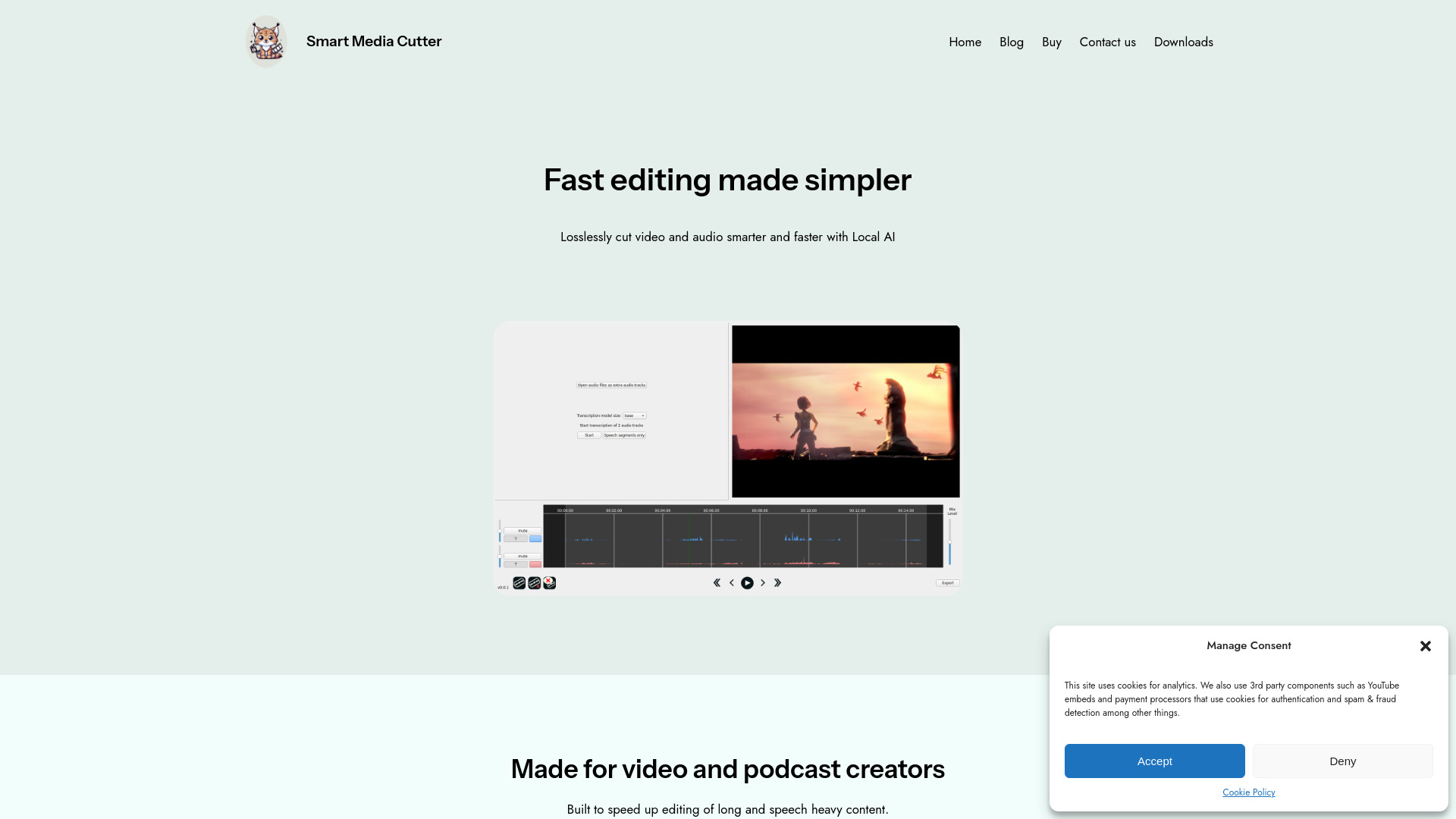
Smart Media Cutter is a desktop video cutting tool built around transcript-based editing, fast exports, multi-track audio, and local AI processing. Its site positions the product for streamers, podcasters, and video editors who need to cut long recordings without spending hours scrubbing timelines. The most distinctive claims are frame-accurate cutting, AI transcription, text-like editing, smart cutting that avoids full-file recoding, multi-track audio handling, and local/private processing.
The strongest fit is long-form creator editing: podcasts, streams, interviews, webinars, and recordings where the editor knows what was said but does not want to manually scrub through hours of footage. It is not trying to be a full creative suite like Premiere or Resolve.
Best-fit use cases
| Use case | Smart Media Cutter fit | Notes | |---|---:|---| | Podcast and stream trimming | High | Transcript search helps find the right sections quickly. | | Removing silence or dead air | High | Auto detection and one-click cleanup can save editing time. | | Multi-track recording cleanup | Medium to high | Useful for podcasts and streams with separate audio tracks. | | Privacy-sensitive editing | Medium to high | Local AI processing avoids cloud uploads for core features. | | Complex motion graphics or color work | Low | A full NLE is still needed for finishing. |
Strengths
- Transcript-based editing lets creators cut by reading rather than scrubbing.
- Local AI processing is valuable for privacy-sensitive or high-volume recordings.
- Smartcut export can preserve quality and avoid long re-encodes around simple cuts.
- Multi-track audio support fits podcasts and streaming workflows better than basic trimmers.
Limitations
- It is a focused cutter, not a replacement for a full nonlinear editor.
- Transcript accuracy depends on audio quality, accents, speaker overlap, and local model performance.
- Complex color, graphics, effects, multicam, and final mastering still need other tools.
- Teams should test platform support and export compatibility with their editor of record.
TakeAI verdict
Smart Media Cutter is a practical workflow tool for creators who waste time navigating long recordings. It is especially interesting because the AI transcription workflow is local and private. A good pilot is to edit a three-hour podcast or stream, compare cut time against the normal editor workflow, and check transcript accuracy, export speed, audio-track handling, and round-trip to Premiere or Resolve.
Sources reviewed: Smart Media Cutter homepage, Smart Media Cutter pricing, Smart Media Cutter downloads.
FAQ
What is Smart Media Cutter best for?
Smart Media Cutter is best for trimming long podcasts, streams, interviews, webinars, and recordings with transcript search and fast local exports.
Does Smart Media Cutter upload files to the cloud?
The core AI processing is positioned as local and private. Teams should still review optional cloud transcript features and privacy terms before use.
What should creators test before adopting Smart Media Cutter?
Test transcript accuracy, silence detection, export speed, quality preservation, multi-track handling, editor round-tripping, platform support, and performance on long files.