SnapEdit - All-in-one AI Photo Editor
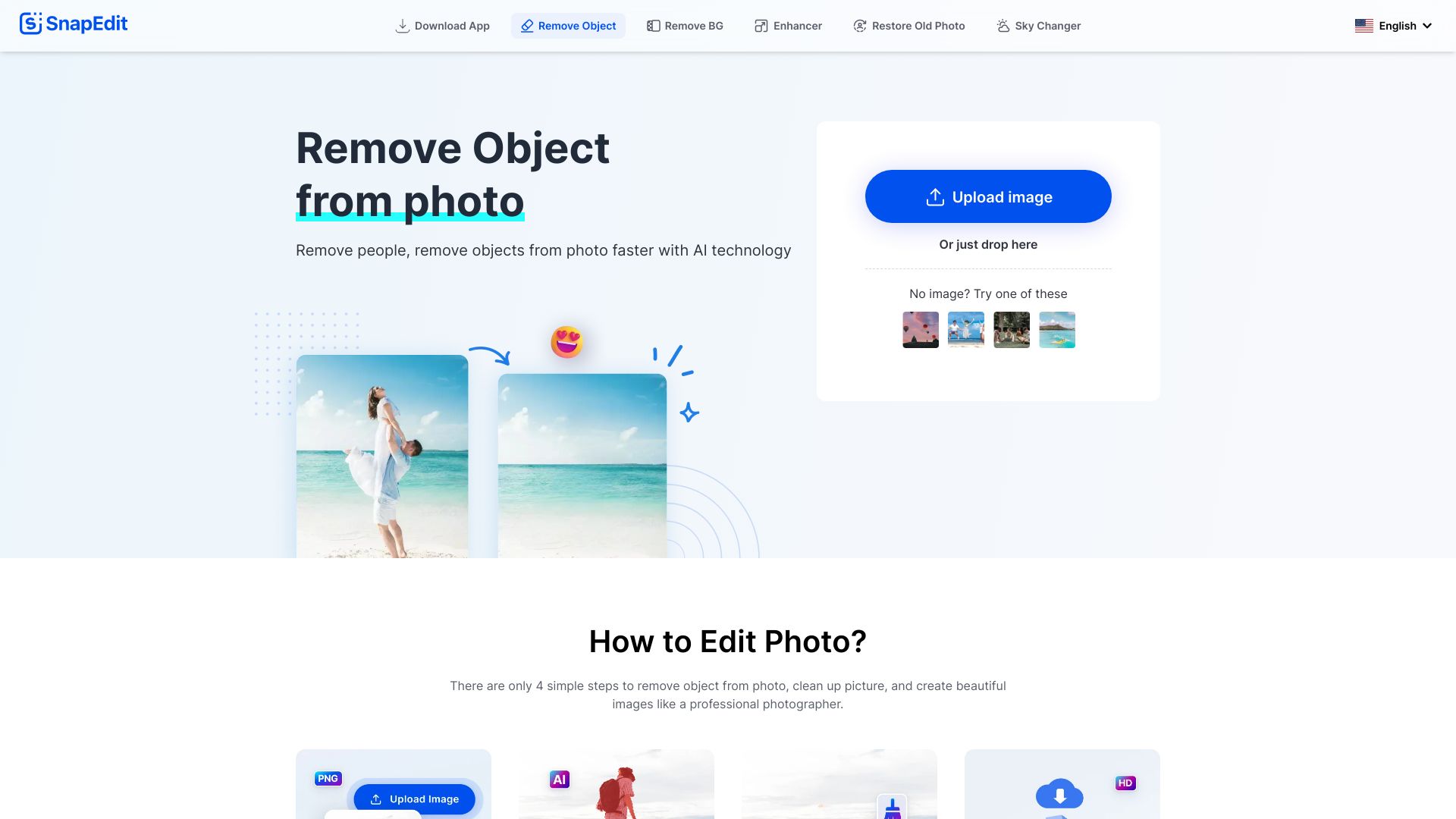
SnapEdit.App is a free online photo editor that harnesses the power of AI to effortlessly remove unwanted objects and people from your images while enhancing their overall quality. With its user-friendly interface, SnapEdit.App allows you to transform your photos in just a few clicks. Whether you want to clean up a family picture or improve the aesthetics of a landscape shot, this tool provides a seamless editing experience. Enjoy the benefits of advanced AI technology to make your photos look professional without the need for extensive editing skills. Try SnapEdit.App today and elevate your photography with ease!
AI Project Details
SnapEdit review: lightweight AI photo editing for cleanup, enhancement, and quick fixes
SnapEdit is an AI photo editor focused on fast web and mobile editing tasks such as object removal, background removal, image enhancement, photo restoration, sky replacement, old-photo repair, and other one-click cleanup workflows. It fits users who need to improve photos quickly without learning a professional editor.
The strongest fit is simple image cleanup. SnapEdit is useful when the task is practical and bounded: remove distractions from a travel photo, clean up product or social images, enhance a low-quality image, or prepare a quick visual for sharing. It is less suitable for brand-critical production where pixel-level control, color management, layers, and review workflows matter.
Best-fit use cases
| Use case | SnapEdit fit | Notes | |---|---:|---| | Removing objects or people from photos | High | Strong fit for quick cleanup of unwanted elements. | | Background removal and replacement | Medium to high | Useful for simple social and product edits. | | Photo enhancement and restoration | Medium to high | Helpful for low-resolution or older images, with human review. | | Casual creator workflows | High | Simple web and mobile use is the main advantage. | | Professional campaign retouching | Low to medium | Requires deeper control than a quick editor provides. |
Strengths
- Fast, approachable workflow for common photo fixes.
- Object removal, background removal, and enhancement cover frequent casual and creator needs.
- Useful when users want results without learning Photoshop-style editing.
- Web and mobile positioning makes it convenient for quick publishing workflows.
Limitations
- Complex edits can leave artifacts, distorted textures, or unrealistic replacements.
- It is not a full professional editor with layers, masks, color workflows, and approval controls.
- Commercial users should review rights, privacy, retention, and acceptable-use terms.
- AI cleanup should not be used to misrepresent products, people, or factual scenes.
TakeAI verdict
SnapEdit is a practical utility editor for quick image cleanup and enhancement. It should be indexed as a convenience tool, not oversold as a professional production suite. A pilot should test the team's most common edits: object removal, background cleanup, enhancement, restoration, and mobile export, then measure artifact rate and retouching time saved.
Sources reviewed: SnapEdit homepage, SnapEdit object remover, SnapEdit background remover, SnapEdit photo enhancer.
FAQ
What is SnapEdit best for?
SnapEdit is best for quick AI photo cleanup such as removing objects, cleaning backgrounds, enhancing images, restoring photos, and preparing casual visuals.
Can SnapEdit replace Photoshop?
No. SnapEdit is easier for quick fixes, but professional editing still needs deeper control over layers, masks, color, typography, and review workflow.
What should teams test before adopting SnapEdit?
Test artifact rate, object-removal accuracy, edge quality, enhancement realism, export formats, mobile workflow, privacy terms, and whether edits could misrepresent the image.