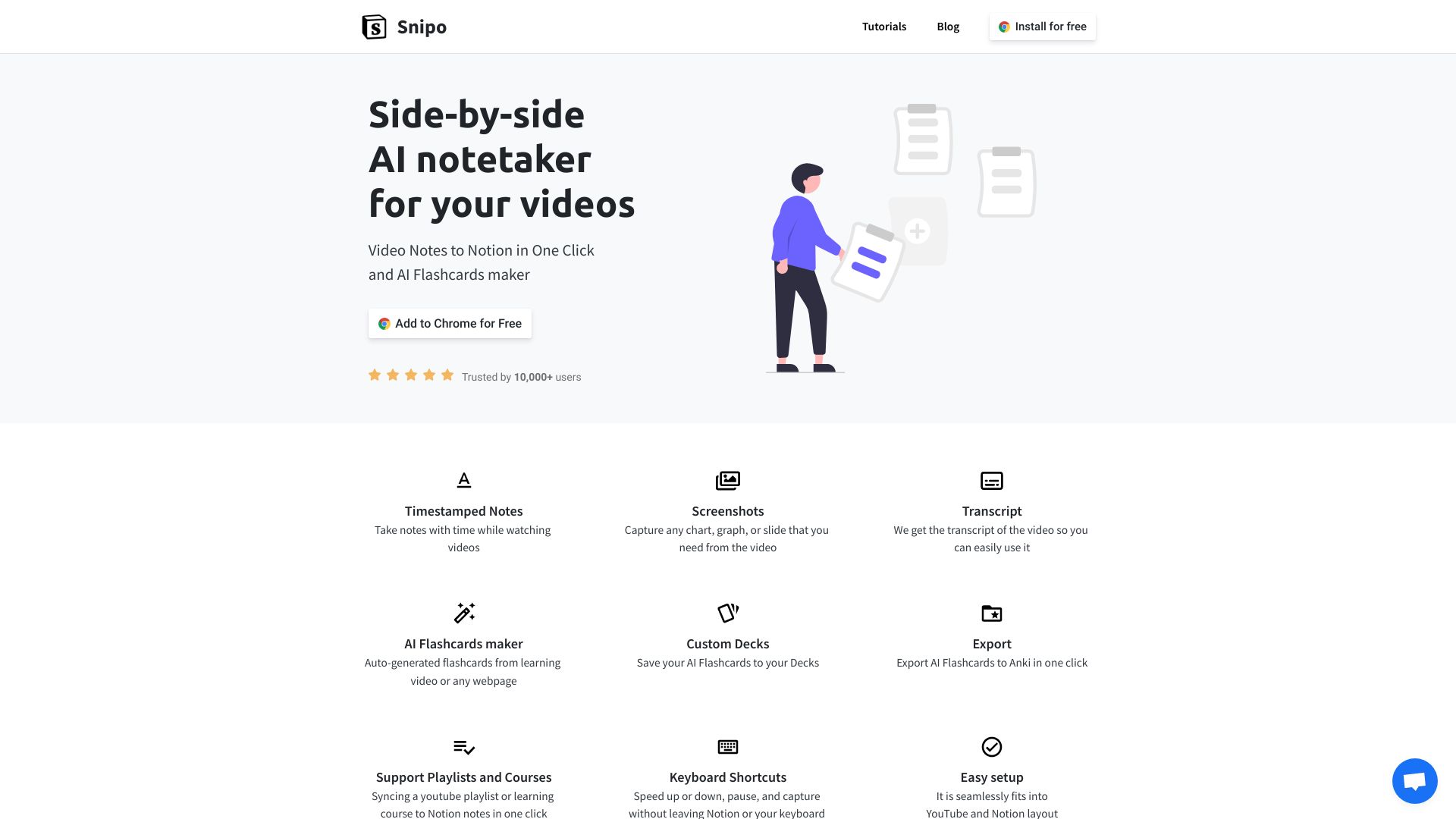
Snipo
Take video notes in Notion with ease.
AI Project Details
Maximize Your Learning Efficiency with Snipo: The Ultimate Video-to-Notion Companion
In the digital age, video content has become a primary source of knowledge, yet capturing insights from tutorials, lectures, and webinars often feels clunky and fragmented. Snipo is a powerful browser extension specifically designed to bridge the gap between video platforms and your Notion workspace. It provides a seamless, integrated environment where you can watch, learn, and document simultaneously without the constant friction of switching tabs.
Key Features of Snipo
- Integrated Split-Screen View: Snipo transforms your browser into a dual-layered workstation. You can view your video on one side and your Notion page on the other, allowing for real-time note-taking that keeps you focused and minimizes distractions.
- Instant Timestamping: Never lose track of where a specific insight occurred. With a single click, Snipo inserts automated timestamps into your Notion notes, allowing you to jump back to the exact second in the video whenever you need a refresher.
- One-Click Screenshots: Visual learners can capture high-quality screenshots directly from the video player and embed them instantly into their Notion workspace. This is perfect for capturing complex diagrams, code snippets, or slide decks.
- Cross-Platform Compatibility: While widely used for YouTube, Snipo is designed to work with various popular learning platforms, including Coursera, Udemy, and Skillshare, making it a versatile tool for students and lifelong learners alike.
- Seamless Notion Sync: Your notes are saved directly into your preferred Notion database or page. Snipo handles the formatting, ensuring your workspace remains clean, organized, and searchable.
Transform Your Workflow and Productivity
By using Snipo, you aren't just taking notes; you are building a personalized knowledge base. This tool is essential for anyone looking to optimize their digital note-taking workflow. Instead of pausing and resuming videos manually, Snipo automates the technical hurdles, allowing you to focus entirely on the subject matter.
Who is Snipo for?
- Students & Academics: Keep track of online lectures and research materials with organized, timestamped citations.
- Software Developers: Capture code walkthroughs and technical tutorials with ease, keeping the visual context right next to your documentation.
- Content Creators: Analyze trends and take detailed notes on competitor content or inspiration videos to streamline the creative process.
- Professionals: Efficiently document key takeaways from industry webinars and virtual conferences directly into a centralized team Notion hub.
Why Choose Snipo for Your Notion Setup?
The primary benefit of Snipo is the elimination of "context switching." Studies show that constantly moving between tabs can reduce productivity by up to 40%. Snipo solves this by creating a unified learning ecosystem. With its intuitive interface and robust integration capabilities, it is the go-to SEO-friendly solution for anyone serious about productivity and knowledge management in Notion.