Taskade
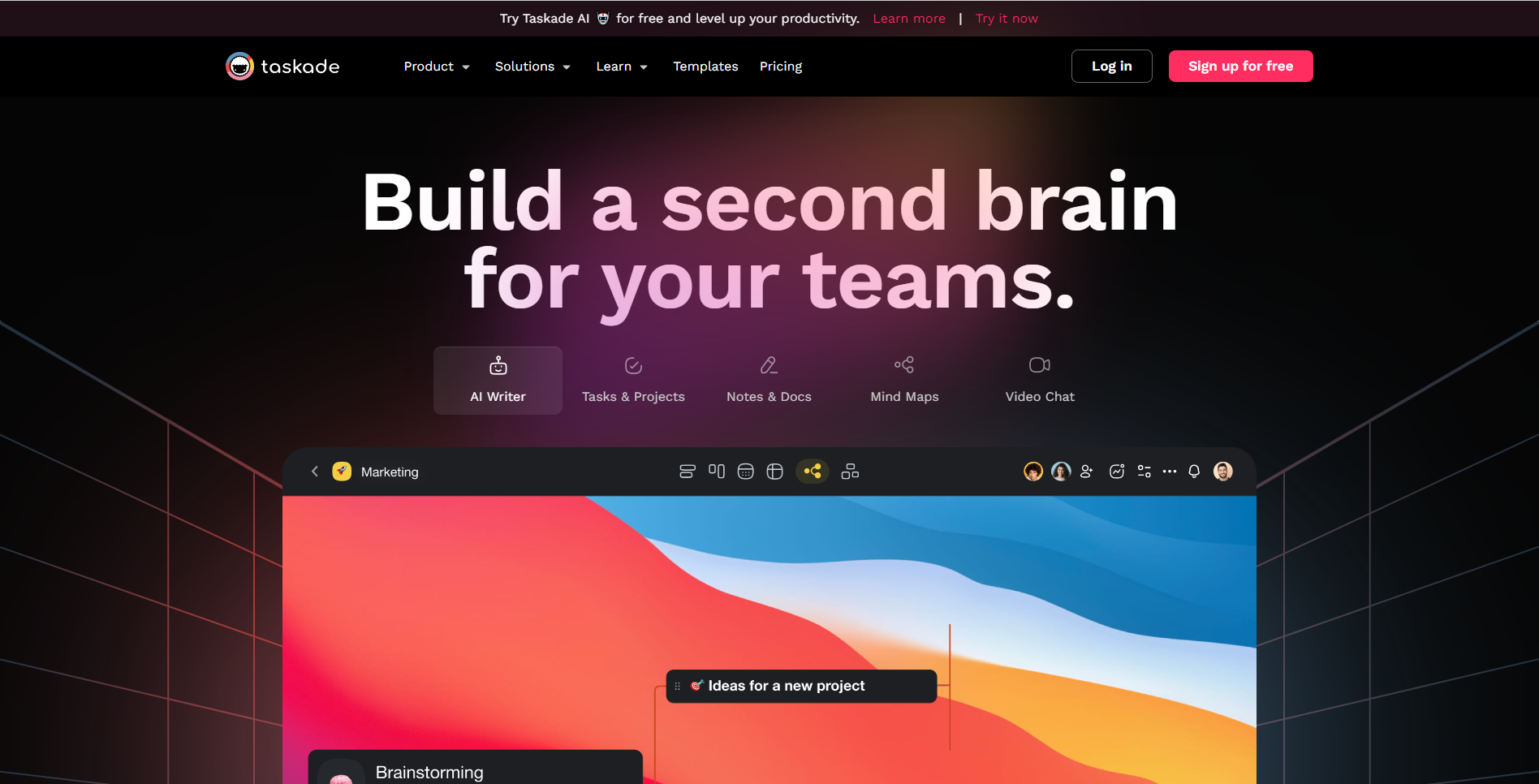
Taskade: Boost Your Team's Productivity with AI Assistance In today's fast-paced work environment, enhancing team productivity is essential. Taskade is a powerful platform designed to help teams collaborate more effectively by leveraging AI assistance and a variety of innovative features. With Taskade, you can streamline your workflow, manage tasks efficiently, and communicate seamlessly with your team. The platform offers tools that allow for real-time collaboration, making it easier to stay on track and meet deadlines. Key Features of Taskade: - AI-Powered Assistance: Automate repetitive tasks and get smart suggestions to optimize your workflow. - Real-Time Collaboration: Work together with your team in real-time, no matter where you are. - Task Management: Organize tasks with ease using customizable lists and boards. - Communication Tools: Keep everyone in the loop with integrated chat and video conferencing features. By utilizing Taskade, teams can not only improve their productivity but also enhance their overall work experience. Discover how Taskade can transform your team's collaboration and efficiency today!
AI Project Details
Taskade review: AI apps, agents, and workflow workspace
Taskade is now positioned as a workspace for AI apps, agents, automations, dashboards, workflows, and collaborative productivity. The homepage emphasizes building AI apps from prompts, cloning community apps, connecting integrations, using workspace DNA, and deploying hosted tools. Its agents page focuses on custom AI assistants and autonomous bots, while the pricing page describes plans that scale from free to business and enterprise, with credits, live apps, community app cloning, agents, automations, and integrations.
Taskade is most useful for teams that want a single workspace where tasks, AI agents, and lightweight apps live together. It is less ideal when a team only needs a traditional project board or a single-purpose chatbot.
Best-fit use cases
| Use case | Fit | Notes | |---|---:|---| | AI app and agent workspaces | High | Current positioning centers on apps, agents, and workflows. | | Team task and workflow management | High | Taskade still supports collaborative productivity. | | No-code automation prototypes | Medium to high | Automations and integrations are core product areas. | | Community app cloning | Medium | Useful for starting from templates and examples. | | Enterprise system of record | Low to medium | Larger governance needs may require dedicated platforms. |
What users should verify
Teams should test app hosting limits, AI credit consumption, workspace permissions, automation reliability, integration coverage, data export, API maturity, mobile and desktop apps, template quality, and whether Workspace DNA creates useful context or confusing carryover. For client-facing apps, review branding, access controls, and data exposure before publishing.
Strengths
- Combines tasks, AI agents, apps, automations, and collaboration in one workspace.
- Community app cloning can speed up experimentation.
- Pricing page explains free access and paid plans with credits and hosted app limits.
- Good fit for teams that want AI woven into daily operations.
Limitations
- Broad scope can feel complex for users who only need simple tasks.
- AI credit usage should be tested with real workflows.
- Hosted apps and automations need governance before external use.
- It may not replace specialized CRM, support, or database systems.
Bottom line
Taskade is best for teams that want to prototype and run AI-assisted workflows inside a collaborative workspace. Its value depends on whether apps, agents, and automations become repeatable operations instead of scattered experiments.
Sources reviewed: Taskade homepage, Taskade AI agents, Taskade pricing.
FAQ
What is Taskade best for?
Taskade is best for teams that want AI apps, agents, automations, dashboards, workflows, and task collaboration inside one workspace.
Is Taskade only a task manager?
No. Taskade still supports collaborative tasks, but the current product also emphasizes AI app generation, agents, automations, integrations, and hosted tools.
What should teams test before using Taskade broadly?
Teams should test AI credit usage, app limits, permissions, integrations, automation reliability, data export, API needs, template quality, and access controls for published apps.