TinyWow
TinyWow offers a range of free AI tools designed to simplify your tasks, including writing assistance, PDF management, image editing, and more. With these innovative resources, you can enhance your productivity and streamline your workflow effortlessly. Whether you need to generate content quickly or manipulate files with ease, TinyWow has you covered. Explore the various features available and discover how these tools can make your daily tasks more manageable and efficient. Embrace the power of AI with TinyWow and transform the way you work today!
AI Project Details
TinyWow review: free online tools for PDF, image, video, writing, and AI tasks
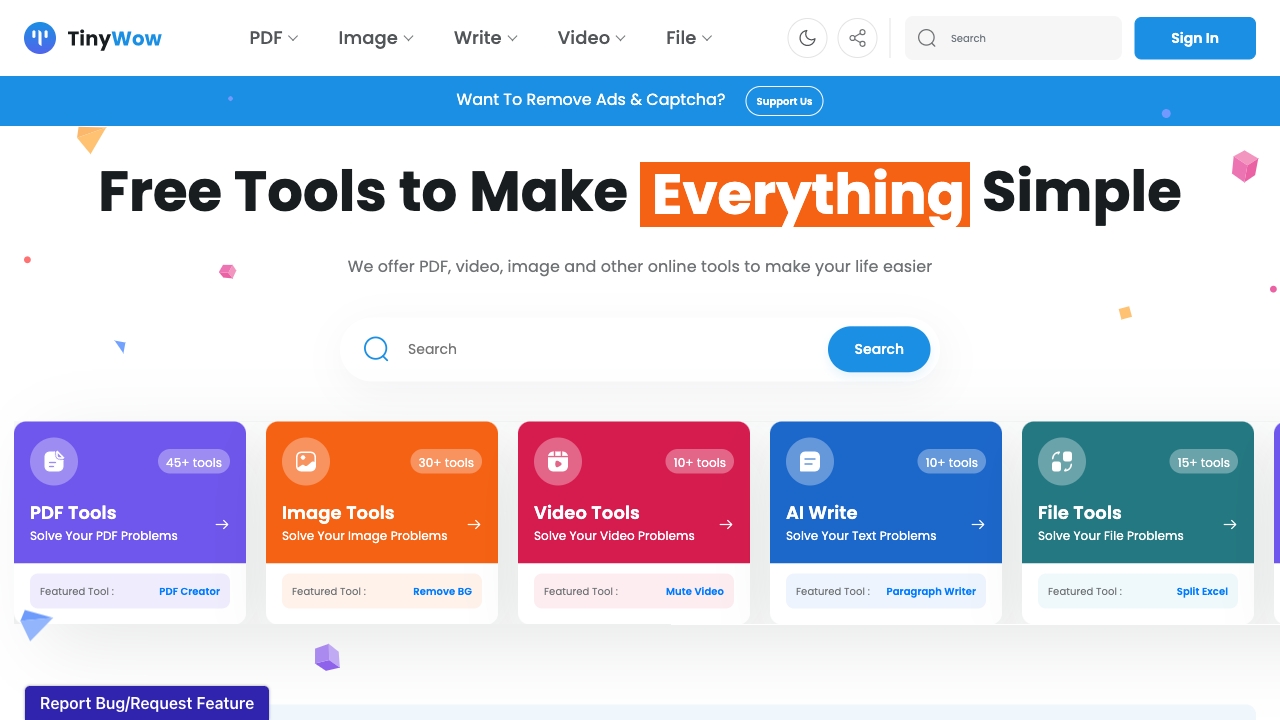
TinyWow is a broad free online tools site covering PDF, image, video, writing, file conversion, and AI-assisted utilities. The official homepage positions TinyWow around free tools that people would usually pay for, including AI writing, PDF, image, and other online tasks.
The strongest fit is occasional utility work: converting a file, removing a background, compressing a PDF, generating a quick draft, or handling a one-off media task without installing software. TinyWow is less compelling as a governed enterprise workflow because broad free tools need careful privacy and quality review.
Best-fit use cases
| Use case | TinyWow fit | Notes | |---|---:|---| | One-off file utilities | High | Strong fit for quick PDF, image, video, and conversion tasks. | | Lightweight AI writing helpers | Medium | Useful for drafts, but quality and accuracy need review. | | Student or creator workflows | Medium to high | Works for occasional tasks when privacy risk is low. | | Sensitive documents | Low | Avoid uploading confidential files without reviewing retention and privacy terms. | | Enterprise automation | Low to medium | Dedicated APIs and governed tools are better for repeatable operations. |
What to evaluate before using TinyWow
Users should check file privacy, upload retention, output quality, watermark behavior, download limits, ads, plan differences, and whether a tool changes formatting or metadata. For PDFs and images, always compare output against the original before sending the result to customers, schools, employers, or clients.
TinyWow is best as a convenience layer. It can save time, but it should not become the default place for private contracts, customer data, medical records, financial statements, or unreleased creative assets.
Strengths
- Very broad collection of free utility tools.
- Useful for quick PDF, image, video, writing, and conversion jobs.
- Low friction when a user does not want to install a desktop app.
Limitations
- Tool breadth means individual features may be less specialized than dedicated products.
- Privacy and retention terms matter before uploading sensitive files.
- AI writing and editing outputs still need human review.
Bottom line
TinyWow deserves an indexable TakeAI page because its intent is clear: free online utilities for practical file and AI tasks. The right framing is not "replace your software stack." It is "useful for low-risk one-off jobs, with privacy and output checks before serious use."
Sources reviewed: TinyWow homepage, TinyWow pricing.
FAQ
What is TinyWow best for?
TinyWow is best for quick online PDF, image, video, writing, conversion, and AI utility tasks where convenience matters and the files are not highly sensitive.
Is TinyWow safe for sensitive business files?
Users should be careful. Before uploading contracts, customer data, financial files, or private documents, review TinyWow's privacy and retention terms and consider a governed tool.
What should users check after using TinyWow?
Check formatting, output quality, metadata, watermarks, download limits, privacy terms, and whether AI-generated text or edits are accurate enough for the intended use.