TurboDoc
AI-powered solution that streamlines and enhances invoice management through automated workflows and intelligent data extraction.
AI Project Details
TurboDoc review: AI document extraction for invoices, receipts, and bank statements
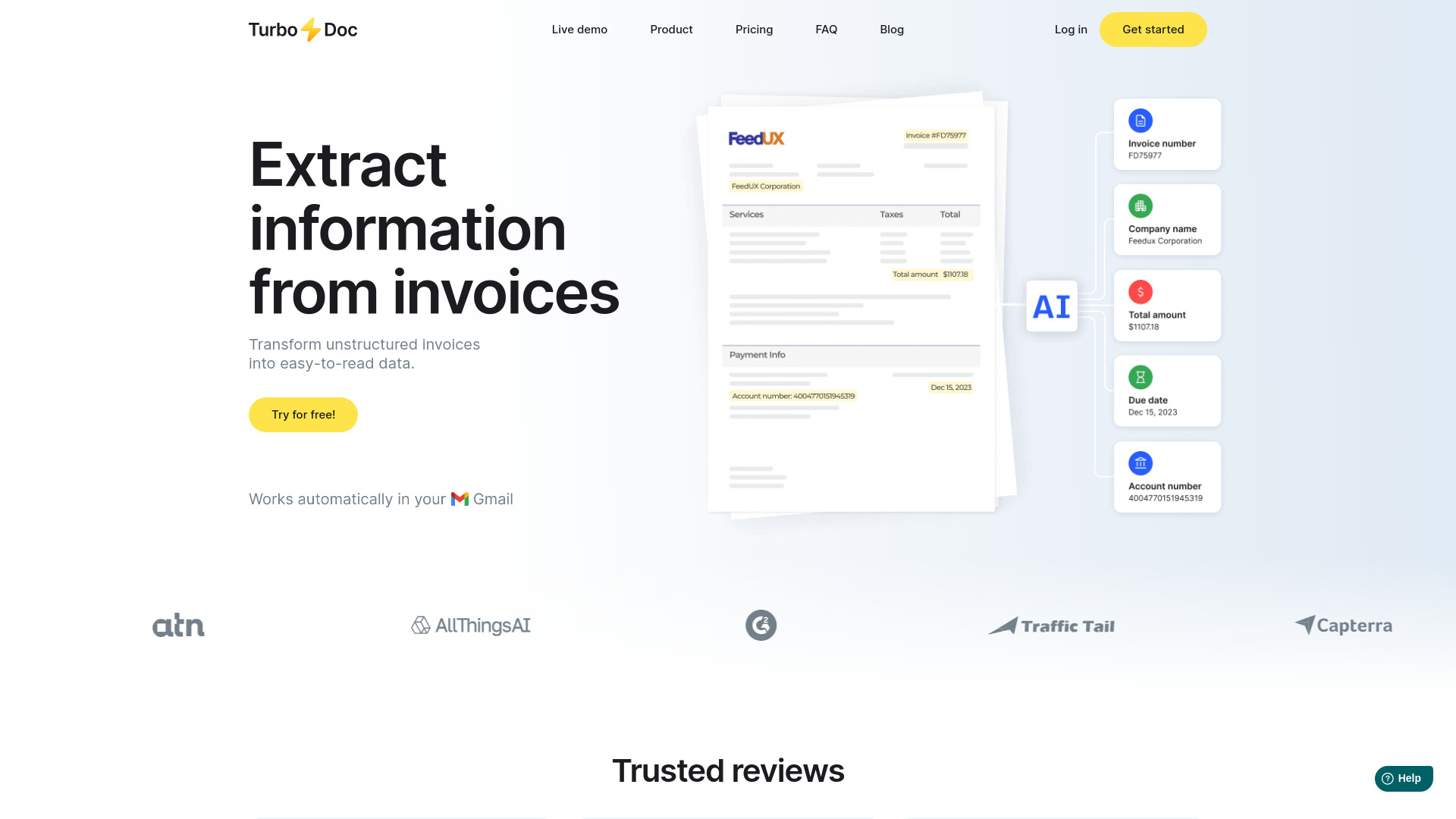
TurboDoc is an AI document processing tool for extracting structured data from invoices, receipts, and bank statements. Its public site describes document upload, email collection from Gmail or Outlook, dashboard review, CSV/XLS exports, AES256 encryption, invoice and bank statement processing limits by plan, and a workflow where extracted data can be reviewed beside the original document.
The clearest fit is finance teams and small businesses that receive documents by email and need structured data for accounting or AP workflows. TurboDoc is more focused than a general document AI platform and more workflow-oriented than one-off OCR, but it still needs human review before extracted data is used for payment, accounting, or audit.
Best-fit use cases
| Use case | TurboDoc fit | Notes | |---|---:|---| | Invoice data extraction | High | Strong fit for turning invoice PDFs and images into structured fields. | | Receipt and bank statement processing | Medium to high | Useful for small finance teams that need CSV/XLS exports. | | Email-based document intake | Medium to high | Gmail and Outlook collection can reduce manual upload work. | | Accounts payable automation | Medium | Helpful for extraction and review; ERP sync and approvals should be validated. | | High-control enterprise AP | Low to medium | Larger AP teams may need deeper approval, vendor, and compliance controls. |
Strengths
- Supports invoices, receipts, and bank statements rather than one narrow document type.
- Email intake from Gmail and Outlook can automate part of the collection workflow.
- Dashboard review with original document comparison helps humans verify extracted fields.
- Public pricing is simple and includes document processing limits by plan.
Limitations
- Extraction accuracy should be tested on real vendor layouts, poor scans, foreign-language documents, and multi-page files.
- Human review remains important before payment, reconciliation, or audit use.
- Accounting software integrations and AP approval workflow depth should be verified for production teams.
- Sensitive financial documents require privacy, retention, access, and encryption review beyond homepage claims.
TakeAI verdict
TurboDoc is a practical option for small businesses and finance teams that want to reduce manual invoice, receipt, and bank statement entry. It is best piloted with real inbox documents, not clean demo invoices. Measure extraction accuracy, correction time, export quality, email intake reliability, and whether the review workflow prevents payment or accounting errors.
Sources reviewed: TurboDoc homepage, TurboDoc invoice scanning, TurboDoc AI data extraction, TurboDoc bank statement converter.
FAQ
What documents can TurboDoc process?
TurboDoc is positioned for invoices, receipts, and bank statements, with upload and email-intake workflows for extracting structured data.
Can TurboDoc fully automate accounts payable?
It can reduce invoice and receipt data entry, but teams should verify approvals, ERP integration, vendor controls, duplicate checks, and human review before using it as AP automation.
What should teams test before adopting TurboDoc?
Test extraction accuracy, poor scan handling, email intake, CSV/XLS exports, review workflow, security controls, correction time, and accounting-system fit.