UpscaleImage.AI
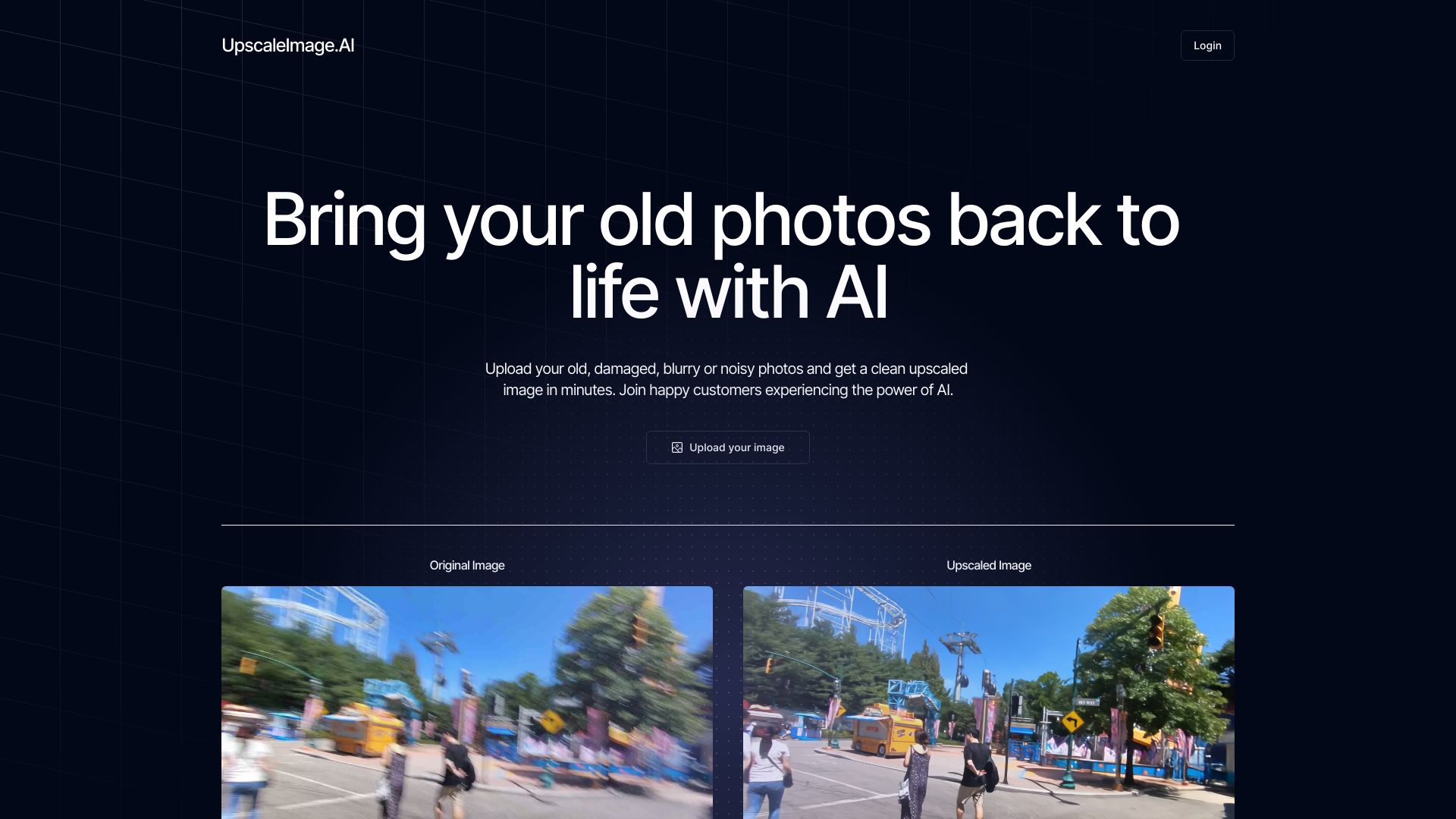
Enhance and Restore Photos Effortlessly: A Comprehensive Guide Are you looking to enhance and restore your photos with ease? This guide will walk you through simple yet effective techniques to bring your images back to life. 1. **Understanding Photo Enhancement** Photo enhancement involves improving the quality of your images by adjusting brightness, contrast, and color balance. With the right tools, you can make your photos look more vibrant and appealing. 2. **Restoration Techniques** Restoring old or damaged photos can be a rewarding process. Start by scanning your images at a high resolution. Use software to remove scratches, tears, and discoloration, ensuring your memories are preserved for years to come. 3. **User-Friendly Tools** There are numerous user-friendly tools available that make photo enhancement and restoration a breeze. Look for software that offers intuitive interfaces and powerful features, allowing you to achieve professional results without extensive training. 4. **Step-by-Step Process** - **Step 1:** Import your photo into the editing software. - **Step 2:** Adjust the basic settings like exposure and contrast. - **Step 3:** Use restoration tools to fix any imperfections. - **Step 4:** Save your enhanced photo in a high-quality format. 5. **Tips for Best Results** - Always work on a copy of your original photo. - Experiment with different settings to find what works best for your image. - Don’t hesitate to seek tutorials online for specific techniques. By following these steps, you can enhance and restore your photos effortlessly, ensuring that your cherished memories remain beautiful and intact. Start your photo enhancement journey today!
AI Project Details
What is UpscaleImage.AI?
Easily enhance and restore your photos with UpscaleImage.AI – Fixing blurriness and aging made simple.
How to use UpscaleImage.AI?
Login to UpscaleImage.AI and use the AI tool to:
- Create realistic images
- Generate crisp realistic model images
- Create amazing product photos
- Fix blurry photos
- Remove background
- Remove noise from your old photos
- And more!
UpscaleImage.AI's Core Features
- Increase image resolution
- Fix blurry photos
- Generate realistic model images
- Generate product photos
- Remove background
- Remove noise from your old photos
UpscaleImage.AI's Use Cases
- Fix blurry photos
- Remove noise from photos
- Upscale images
- Generate realistic images
- AI image generation
- Generate AI images
FAQ from UpscaleImage.AI
What is image generation and upscaling AI, and how does it work?
Is my data and uploaded content secure when using this service?
How much does UpscaleImage cost?
Is the payment gateway secure?
UpscaleImage.AI Login
UpscaleImage.AI Login Link: https://www.upscaleimage.ai/authentication
UpscaleImage.AI Sign up
UpscaleImage.AI Sign up Link: TakeAI is your premier destination for discovering the best AI tools and applications. © 2026 TakeAI.org. All rights reservedProduct
Connect with us