Visily
Visily: Simplifying the Design Process with AI-Powered Wireframing In today's fast-paced digital world, creating effective designs can be a daunting task. Visily streamlines this process by leveraging advanced AI technology to enhance wireframing. With Visily, designers can quickly generate wireframes that not only save time but also improve collaboration among team members. Key Features of Visily: - **AI-Driven Design**: Harness the power of artificial intelligence to create wireframes effortlessly. - **User-Friendly Interface**: Enjoy an intuitive platform that simplifies the design workflow. - **Collaboration Tools**: Work seamlessly with your team, sharing ideas and feedback in real-time. - **Customizable Templates**: Choose from a variety of templates to kickstart your design process. By integrating AI into wireframing, Visily not only boosts productivity but also ensures that the final designs meet user needs effectively. Experience the future of design with Visily and transform your creative process today!
AI Project Details
Visily review: AI UI design software for fast product mockups
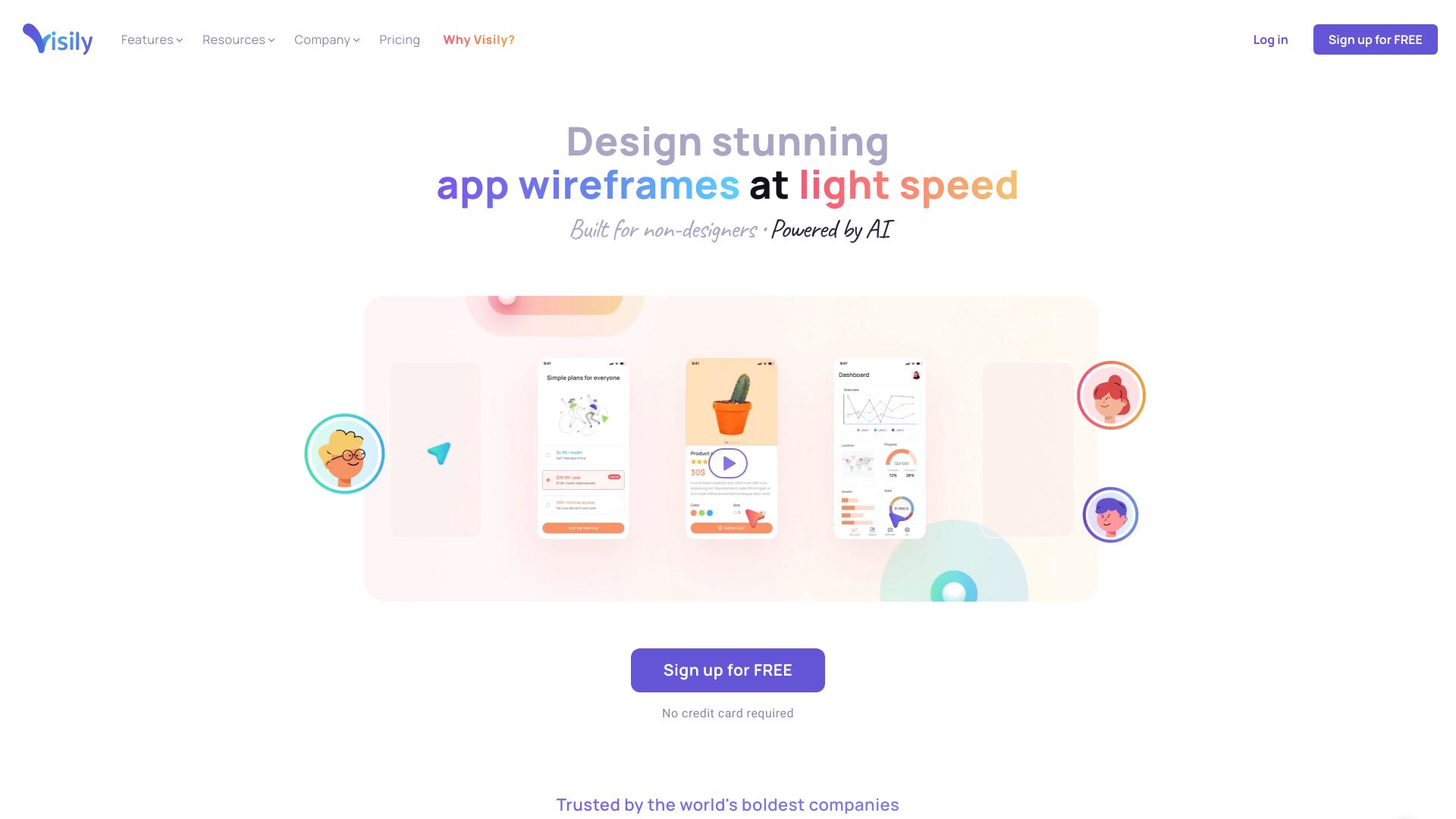
Visily is AI-powered UI design software focused on turning rough product ideas into editable wireframes, mockups, and prototypes. The current homepage positions it for non-designers who need to communicate product ideas clearly to clients, executives, and teammates. Its navigation and pricing page emphasize wireframing, prototyping, brainstorming, collaboration, AI design tools, templates, smart components, UI presets, Figma import/export, and export-to-code features on paid plans.
The strongest fit is a product manager, founder, business analyst, or early-stage team that needs a presentable product concept before a dedicated designer is available. Visily is not a replacement for a complete design system, research process, or production UX review, but it can compress the first draft from a blank canvas into something stakeholders can discuss. That matters for teams where the bottleneck is not imagination, but getting an idea into a visual form quickly enough to test alignment.
Best-fit use cases
| Use case | Fit | Notes | |---|---:|---| | Product idea wireframes | High | AI and templates help teams move quickly. | | Stakeholder concept reviews | High | Non-designers can produce shareable visuals. | | Clickable prototypes | Medium to high | Useful for early validation and handoff conversations. | | Mature design-system production | Medium | Designers still need to refine components and accessibility. | | Pixel-perfect app delivery | Low to medium | Treat exports as a starting point, not final engineering output. |
What users should verify
Teams should test how well Visily handles their own product patterns, whether AI generations stay editable, Figma import/export quality, export-to-code usefulness, team permissions, commenting, version history, brand consistency, template depth, accessibility review, pricing limits, and how prototypes are shared with clients or executives.
Strengths
- Clear positioning for non-designers who need product visuals quickly.
- Combines AI design generation with wireframing, prototyping, templates, and collaboration.
- Pricing page clearly separates starter, pro, and business-oriented capabilities.
- Good fit for teams that need to align around product direction before committing design or engineering time.
Limitations
- AI-generated screens still need product judgment and usability review.
- Production teams may need Figma or a dedicated design system for final delivery.
- Export-to-code should be inspected before engineering reuse.
- Larger organizations should review security, SSO, and workspace controls before rollout.
Bottom line
Visily is best when speed and communication matter more than final design polish. It gives product and business teams a practical way to make ideas visible, but the best results still come from pairing the generated work with design review, user feedback, and engineering validation.
Sources reviewed: Visily homepage, Visily pricing.
FAQ
What is Visily best for?
Visily is best for fast product wireframes, mockups, and prototypes created by product managers, founders, analysts, and teams without immediate design support.
Can Visily replace Figma?
Visily can replace some early wireframing and concept work, but mature teams may still use Figma or a design system for final production design.
What should teams check before adopting Visily?
Teams should check Figma import/export, editability of AI output, collaboration controls, export-to-code quality, pricing limits, accessibility workflow, and security needs.