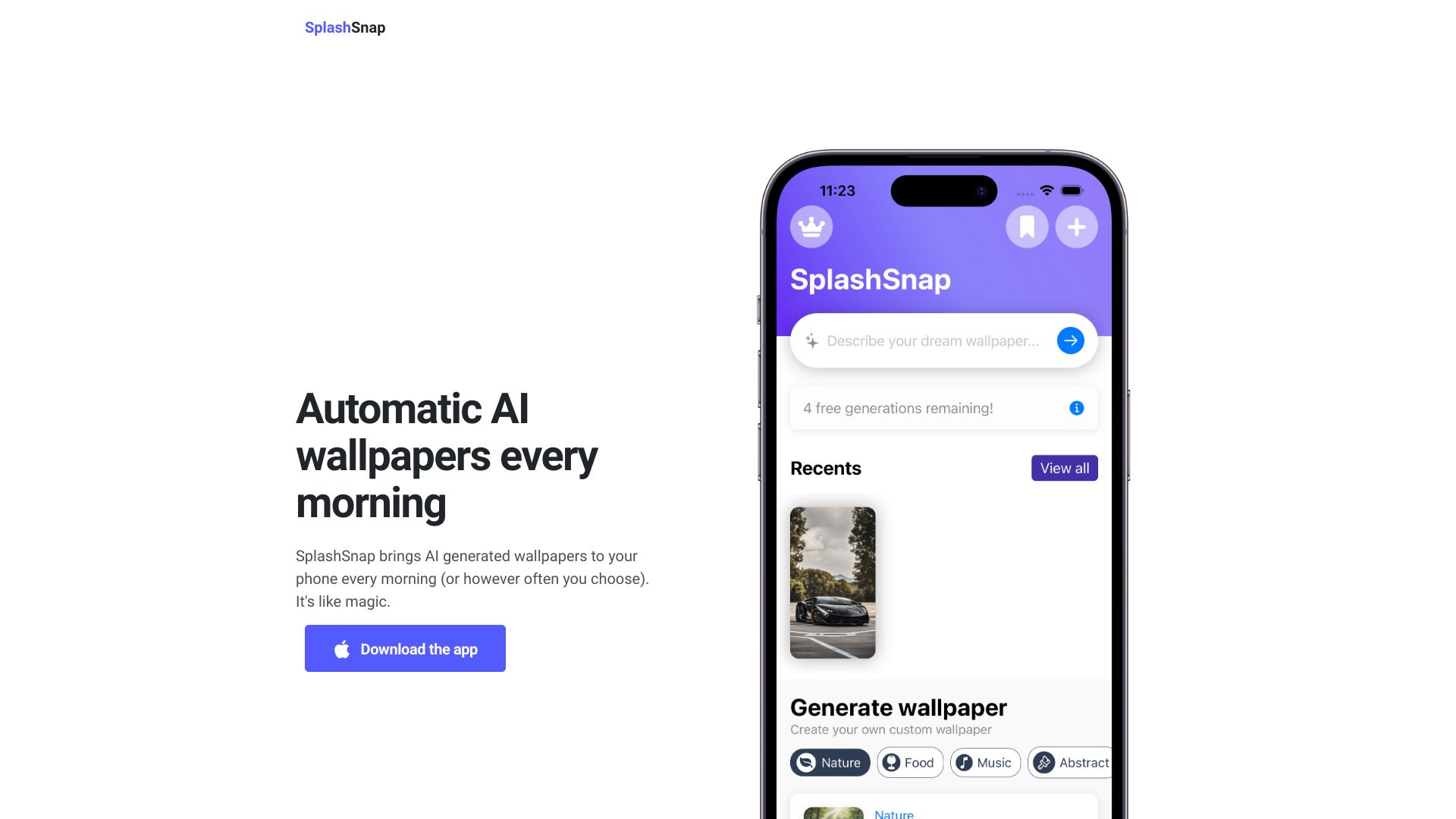
SplashSnap
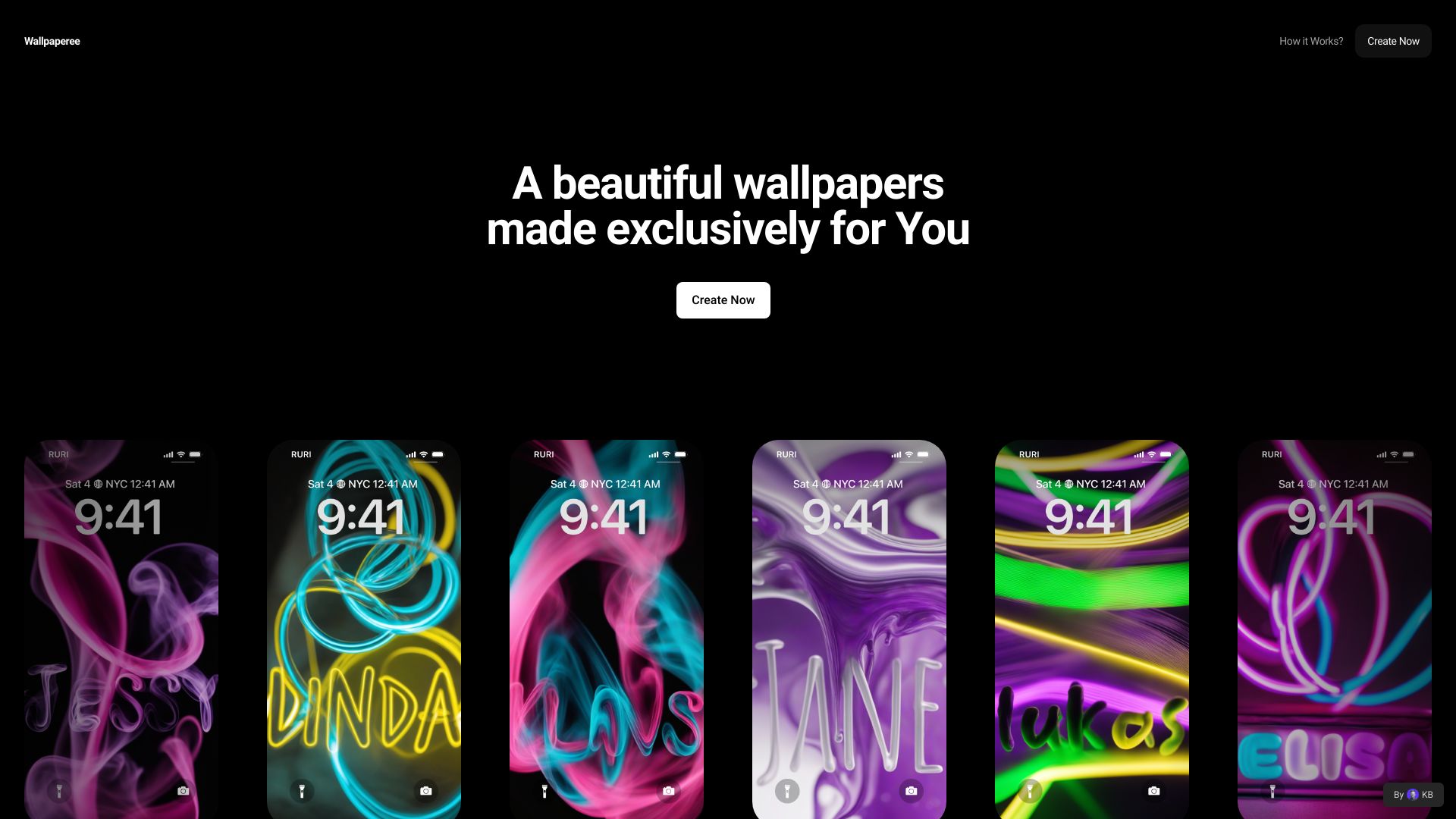
Automate AI Image Generation and Wallpaper Setting with iOS Shortcuts Are you looking to enhance your iOS experience by automating the process of generating AI images and setting them as wallpapers? With iOS Shortcuts, you can streamline this process effortlessly. Step 1: Create an AI Image Generation Shortcut Start by creating a shortcut that utilizes an AI image generation tool. You can use APIs from popular AI platforms to generate stunning images based on your preferences. Simply input your desired parameters, and let the AI do the magic. Step 2: Set the Generated Image as Wallpaper Once your AI image is generated, the next step is to set it as your wallpaper. Use the "Set Wallpaper" action in your shortcut to automatically apply the newly created image to your home screen or lock screen. Step 3: Schedule Your Shortcut To make this process even more convenient, schedule your shortcut to run at specific times or trigger it with a voice command. This way, you can enjoy fresh wallpapers daily without lifting a finger. By automating AI image generation and wallpaper setting with iOS Shortcuts, you not only save time but also keep your device looking fresh and personalized. Embrace the power of automation and elevate your iOS experience today!